


videobunny
Download supported videos in your browser. Choose video quality, save HLS and DASH streams or extract MP3 audio, then play and organize file
Overview
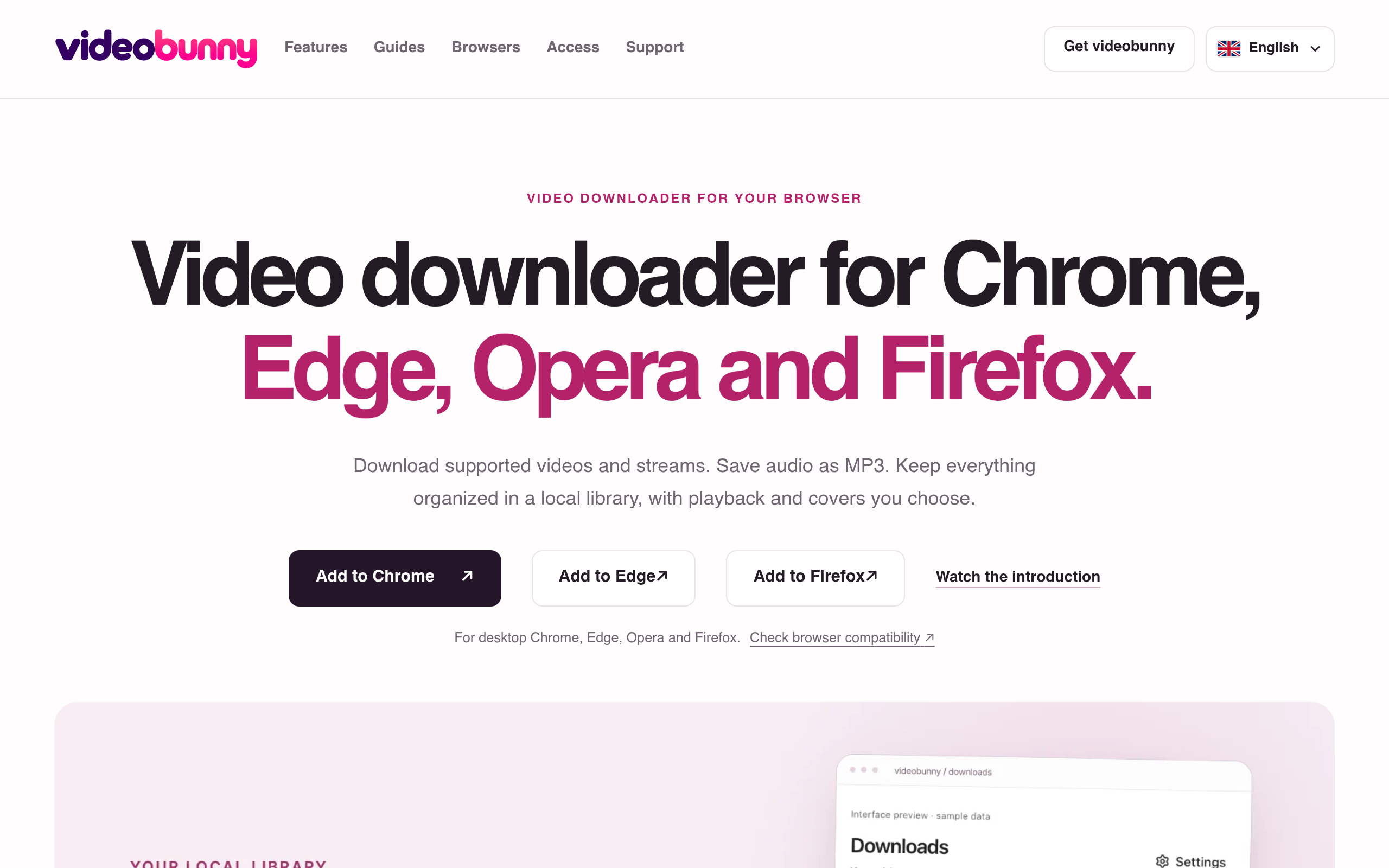
Download supported videos in your browser. Choose video quality, save HLS and DASH streams or extract MP3 audio, then play and organize files locally.
videobunny is a video downloader extension for browsers like Chrome, Edge, Opera, and Firefox, allowing users to download videos and audio tracks, organize them in a local library, and choose from various quality options.
Sources behind this listingSee source links, recorded dates and owner corrections.
Observed facts come from public pages. Founder-edited facts are supplied by the verified owner. AI-inferred facts are model interpretations; derived facts are calculated from other data. A source link lets you check the current page. It does not guarantee the fact is still current.
Dates show when a record was saved. Some older records use the listing’s update date; they are not proof of a fresh check. Missing source records are shown explicitly.
- TaglineDownload supported videos in your browser. Choose video quality, save HLS and DASH streams or extract MP3 audio, then play and organize file
- Source not recordedDate not recordedSource link unavailable
- DescriptionDownload supported videos in your browser. Choose video quality, save HLS and DASH streams or extract MP3 audio, then play and organize files locally.
- Source not recordedDate not recordedSource link unavailable
- Free planNot stated
- Source not recordedDate not recordedSource link unavailable
- Free trialNot stated
- Source not recordedDate not recordedSource link unavailable
- PlatformsChrome Extension
- Source not recordedDate not recordedSource link unavailable
- Summaryvideobunny is a video downloader extension for browsers like Chrome, Edge, Opera, and Firefox, allowing users to download videos and audio tracks, organize them in a local libra...
- AI-inferredRecorded Source link unavailable
Key Features
- Download supported videos and streams directly in the browser.
- Save audio tracks as MP3 with a simple conversion process.
- Organize downloaded media in a local library with customizable titles and covers.
- Supports HLS/M3U8 and DASH streams, targeting up to 1080p quality.
- No account needed for downloading, ensuring privacy and ease of use.
Who Is It For
Individuals and small teams who frequently consume online video content and prefer to manage their media locally without complex setups.
Users looking for a straightforward tool to download and manage video and audio content from supported sources directly in their browser.
Individuals seeking to download DRM-protected media or YouTube videos, as these features are not supported.
Strengths & Weaknesses
Offers unlimited downloads and MP3 conversions without requiring an account, allowing for easy local media management.
Pricing details and the availability of a free plan or trial are unclear from public info (AI-inferred; may be outdated. Founders can correct this)
Classification
Alternatives to videobunny
Community
No comments yet. Be the first to share your experience.