


ToolBench
Free online image converter. Convert JPG, PNG, WebP and AVIF in your browser. No upload, no sign-up, no file size limit — your images never
Overview
Free online image converter. Convert JPG, PNG, WebP and AVIF in your browser. No upload, no sign-up, no file size limit — your images never leave your device.
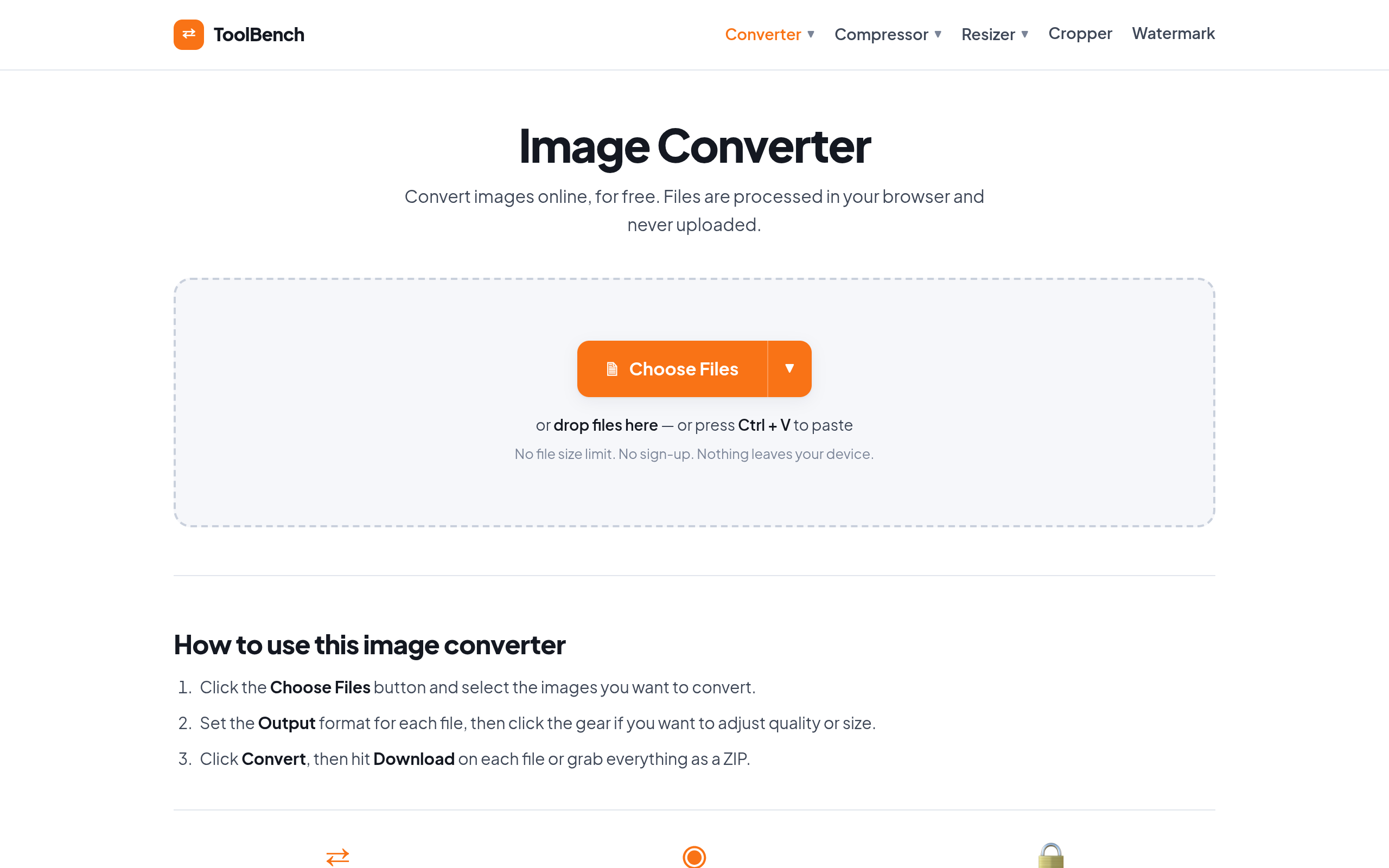
ToolBench is a free online image converter that operates entirely within the user's browser, allowing for the conversion of various image formats without uploading files to a server. It supports formats like JPG, PNG, WebP, and AVIF, and offers features such as quality adjustment and resizing.
Sources behind this listingSee source links, recorded dates and owner corrections.
Observed facts come from public pages. Founder-edited facts are supplied by the verified owner. AI-inferred facts are model interpretations; derived facts are calculated from other data. A source link lets you check the current page. It does not guarantee the fact is still current.
Dates show when a record was saved. Some older records use the listing’s update date; they are not proof of a fresh check. Missing source records are shown explicitly.
- TaglineFree online image converter. Convert JPG, PNG, WebP and AVIF in your browser. No upload, no sign-up, no file size limit — your images never
- Founder-editedRecorded Source: mytoolsbench.com
- DescriptionFree online image converter. Convert JPG, PNG, WebP and AVIF in your browser. No upload, no sign-up, no file size limit — your images never leave your device.
- Founder-editedRecorded Source: mytoolsbench.com
- Free planNo
- Founder-editedRecorded Source: mytoolsbench.com
- Free trialNo
- Founder-editedRecorded Source: mytoolsbench.com
- IntegrationsDropbox, Google Workspace
- Founder-editedRecorded Source: mytoolsbench.com
- PlatformsWeb
- ObservedRecorded Source: mytoolsbench.com
- SummaryToolBench is a free online image converter that operates entirely within the user's browser, allowing for the conversion of various image formats without uploading files to a se...
- Founder-editedRecorded Source link unavailable
Key Features
- Convert images online without uploading files to a server.
- Supports multiple output formats including JPG, PNG, WebP, and AVIF.
- Adjust quality and resize images during conversion.
- No file size or count limits due to local processing.
- Create PDFs and favicons from images.
Who Is It For
Individuals and small teams looking for a straightforward, privacy-focused image conversion tool without the need for extensive features.
Individuals or small businesses needing a quick and private solution for image conversion without the hassle of uploads or sign-ups.
Users requiring advanced image editing features or batch processing of extremely large files beyond typical browser capabilities.
Strengths & Weaknesses
Alternatives to ToolBench
Community
No comments yet. Be the first to share your experience.