


Overview
Turn a rough draft into words you feel ready to share. SkrivSikkert brings writing, reading and document support into one workspace, designed with dyslexia in mind.
Understand a suggested correction before accepting it. Listen to text instead of relying only on the screen. Ask a question about a document and follow the highlighted source passage back to the original. Translate documents while keeping their layout, and get help drafting everyday emails.
Available through the web workspace and Chrome extension. Start with 20,000 free words, with no credit card required. After the AI word limit, you can still read, organise and export; AI features pause until the next month unless you upgrade to Pro. Check the current pricing page for limits and optional plans.
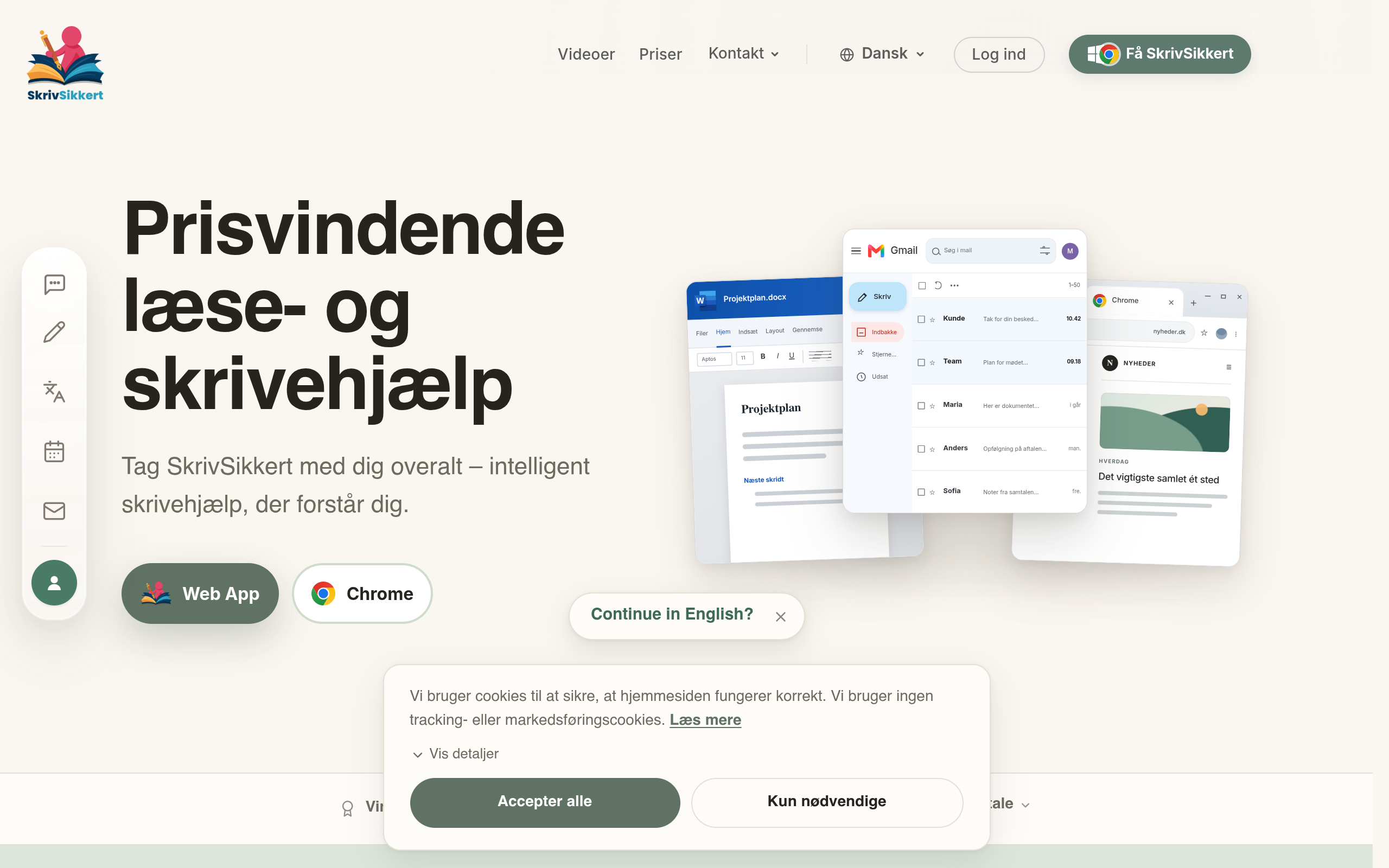
Created by SkrivSikkert ApS in Denmark. Review AI suggestions and source passages before relying on the result, especially for consequential documents. The English workflow images illustrate use cases; the Danish workspace image shows the actual product.
SkrivSikkert helps people with dyslexia read and write with confidence: explained corrections, read-aloud and document answers with highlighted sources. Use the web workspace and Chrome extension. Start with 20,000 free words; optional paid Pro is available.
Sources behind this listingSee source links, recorded dates and owner corrections.
Observed facts come from public pages. Founder-edited facts are supplied by the verified owner. AI-inferred facts are model interpretations; derived facts are calculated from other data. A source link lets you check the current page. It does not guarantee the fact is still current.
Dates show when a record was saved. Some older records use the listing’s update date; they are not proof of a fresh check. Missing source records are shown explicitly.
- TaglineYour ideas. Clearer words. Reading and writing support for dyslexia.
- Founder-editedRecorded Source: skrivsikkert.dk
- DescriptionTurn a rough draft into words you feel ready to share. SkrivSikkert brings writing, reading and document support into one workspace, designed with dyslexia in mind. Understand ...
- Founder-editedRecorded Source: skrivsikkert.dk
- Starting priceFree plan; optional paid Pro. See current pricing.
- Founder-editedRecorded Source: skrivsikkert.dk
- Free planYes
- Founder-editedRecorded Source: skrivsikkert.dk
- Free trialNot stated
- Source not recordedDate not recordedSource link unavailable
- Pricing modelfreemium
- Founder-editedRecorded Source: skrivsikkert.dk
- PlatformsChrome Extension, Web
- Source not recordedDate not recordedSource link unavailable
- Plan: SkrivSikkert ProDKK 108/mo
- AI-inferredRecorded Source: skrivsikkert.dk
- Plan: Free TierFree
- AI-inferredRecorded Source: skrivsikkert.dk
- SummarySkrivSikkert helps people with dyslexia read and write with confidence: explained corrections, read-aloud and document answers with highlighted sources. Use the web workspace an...
- Founder-editedRecorded Source: skrivsikkert.dk
Pricing
- Alt inkluderet. Ingen brugsgrænser.
- Fuld adgang til alle SkrivSikkerts værktøjer.
- Chrome-udvidelsen Gratis med Pro
- Start med 20.000 gratis ord · Intet kreditkort
Key Features
- Review spelling and grammar suggestions with explanations before accepting a correction.
- Ask questions about documents and inspect the highlighted source passages behind an answer.
- Listen to text and PDF content with read-aloud support.
- Translate documents while preserving their layout.
- Use the web workspace and Chrome extension for everyday writing and reading tasks.
Who Is It For
Students, educators, and professionals who require support in writing and document management, particularly those who may struggle with traditional text editing.
People with dyslexia who want explained writing corrections, read-aloud and help understanding documents for everyday work and study.
People needing unlimited free AI use, self-hosted software, or a substitute for specialist teaching or professional document review.
Strengths & Weaknesses
Offers a range of features for text correction, translation, and document handling directly within the user's workflow, particularly through its Chrome extension.
Free AI use has a word limit; optional Pro removes the limit.
Classification
Alternatives to SkrivSikkert
Community
No comments yet. Be the first to share your experience.