


Overview
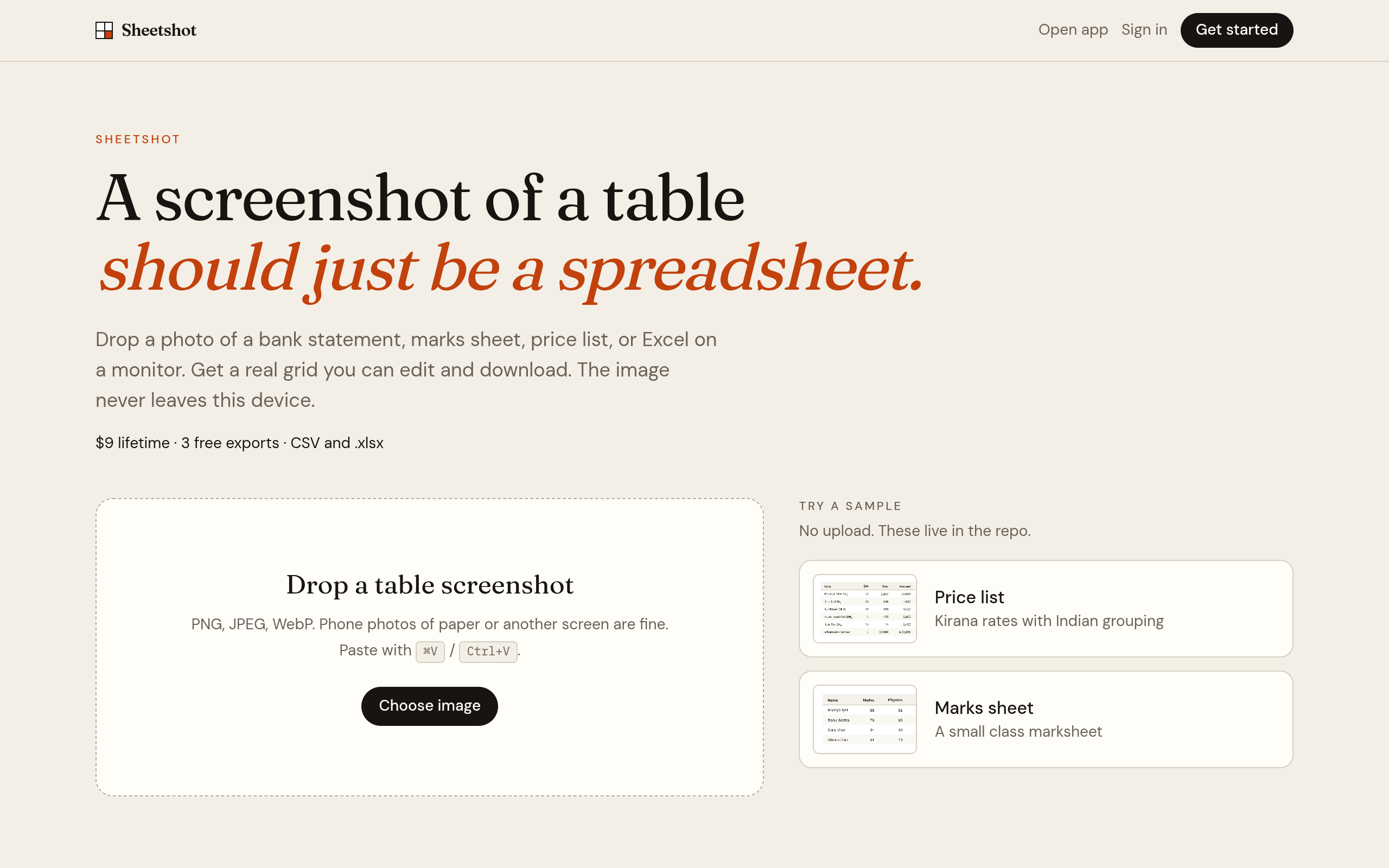
Drop a photo of a table. Get an editable spreadsheet and download CSV or .xlsx. OCR runs in your browser — the image never leaves the device. $9 lifetime.
Sheetshot allows users to convert images of tables into editable spreadsheets, supporting formats like CSV and .xlsx. The tool operates entirely in the browser, ensuring that images remain private and are not uploaded to external servers.
Sources behind this listingSee source links, recorded dates and owner corrections.
Observed facts come from public pages. Founder-edited facts are supplied by the verified owner. AI-inferred facts are model interpretations; derived facts are calculated from other data. A source link lets you check the current page. It does not guarantee the fact is still current.
Dates show when a record was saved. Some older records use the listing’s update date; they are not proof of a fresh check. Missing source records are shown explicitly.
- TaglineA screenshot of a table should just be a spreadsheet.
- ObservedRecorded Source: sheetshot-five.vercel.app
- DescriptionDrop a photo of a table. Get an editable spreadsheet and download CSV or .xlsx. OCR runs in your browser — the image never leaves the device. $9 lifetime.
- ObservedRecorded Source: sheetshot-five.vercel.app
- Free planNot stated
- Source not recordedDate not recordedSource link unavailable
- Free trialNot stated
- Source not recordedDate not recordedSource link unavailable
- SummarySheetshot allows users to convert images of tables into editable spreadsheets, supporting formats like CSV and .xlsx. The tool operates entirely in the browser, ensuring that im...
- AI-inferredRecorded Source link unavailable
Key Features
- Convert images of tables into editable spreadsheets.
- Download outputs in CSV or .xlsx formats.
- In-browser OCR processing with no image uploads.
- Supports various image formats including PNG, JPEG, and WebP.
- Lifetime access for a one-time fee with three free exports.
Who Is It For
Individuals or small teams who frequently work with tabular data in image format and value privacy and ease of use.
Individuals or small businesses needing to quickly convert images of tables into editable formats without compromising privacy.
Users looking for extensive integrations or a free plan, as there are no detected integrations and no free usage beyond three exports.
Strengths & Weaknesses
The in-browser OCR functionality ensures user privacy, as images do not leave the device.
Classification
Alternatives to Sheetshot
Community
No comments yet. Be the first to share your experience.