


Screenshot annotation for fast visual feedback
Screenshot Annotator helps teams annotate screenshots, align feedback asynchronously, and ship product improvements faster.
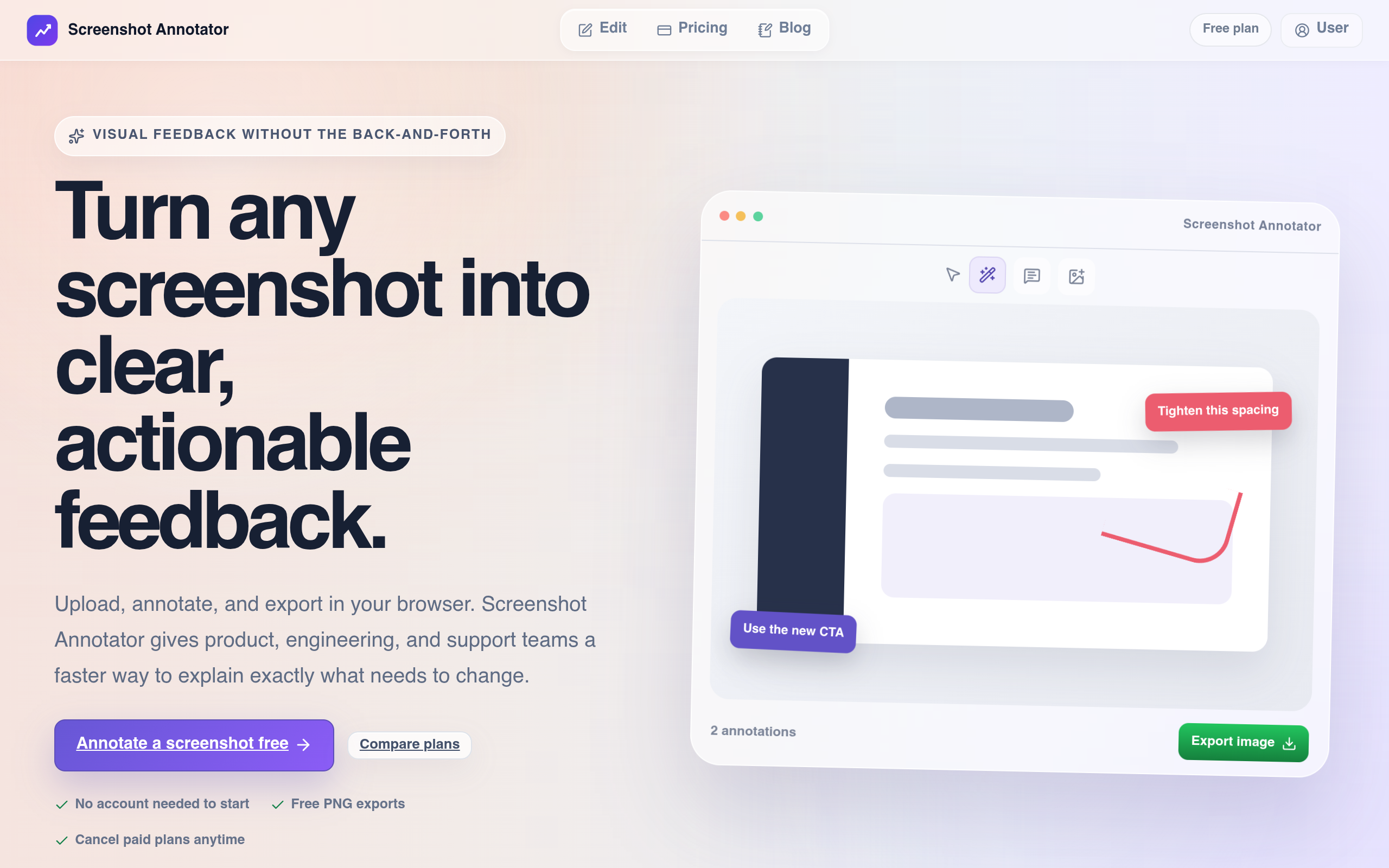
Overview
Screenshot Annotator is designed to help teams annotate screenshots and facilitate asynchronous feedback, aiming to streamline product improvement processes.
Sources behind this listingSee source links, recorded dates and owner corrections.
Observed facts come from public pages. Founder-edited facts are supplied by the verified owner. AI-inferred facts are model interpretations; derived facts are calculated from other data. A source link lets you check the current page. It does not guarantee the fact is still current.
Dates show when a record was saved. Some older records use the listing’s update date; they are not proof of a fresh check. Missing source records are shown explicitly.
- TaglineScreenshot Annotator helps teams annotate screenshots, align feedback asynchronously, and ship product improvements faster.
- Source not recordedDate not recordedSource link unavailable
- DescriptionScreenshot Annotator helps teams annotate screenshots, align feedback asynchronously, and ship product improvements faster.
- Source not recordedDate not recordedSource link unavailable
- Free planNot stated
- Source not recordedDate not recordedSource link unavailable
- Free trialNot stated
- Source not recordedDate not recordedSource link unavailable
- Pricing modelfreemium
- AI-inferredRecorded Source: screenshot-annotator.site
- Company locationremote
- Source not recordedDate not recordedSource link unavailable
- Plan: FreeFree
- AI-inferredRecorded Source: screenshot-annotator.site
- Plan: Standard$8/mo
- AI-inferredRecorded Source: screenshot-annotator.site
- Plan: Pro$15/mo
- AI-inferredRecorded Source: screenshot-annotator.site
- SummaryScreenshot Annotator is designed to help teams annotate screenshots and facilitate asynchronous feedback, aiming to streamline product improvement processes.
- AI-inferredRecorded Source link unavailable
Pricing
- exports
- 10
- uploads
- 20
- Great for quick screenshot feedback
- Occasional sharing
- exports
- 150
- uploads
- 200
- Best for solo creators
- Small teams shipping frequently
- exports
- 500
- uploads
- 500
- Built for teams
- Creators who annotate all day
Key Features
- Annotate screenshots online with arrows, text, shapes, highlights, crop, and blur.
- Export annotated images as shareable PNG files directly from the browser.
- Create visual feedback for product documentation, onboarding guides, and support replies.
- Blur sensitive information in screenshots before sharing.
Who Is It For
Product, engineering, design, and support teams in small to medium-sized businesses seeking to improve their visual communication and feedback processes.
Teams looking for a tool to enhance visual communication and feedback through annotated screenshots.
Individuals or teams that require extensive integrations or advanced pricing information.
Strengths & Weaknesses
The tool offers a focused approach to screenshot annotation, enabling clear visual feedback for various workflows in product, engineering, and support teams.
Alternatives to Screenshot annotation for fast visual feedback
Community
No comments yet. Be the first to share your experience.