


PDF Toolbox
Free online PDF toolbox: edit bookmarks and outlines, generate a table of contents, compress, merge, split, watermark, encrypt, and OCR PDFs
Overview
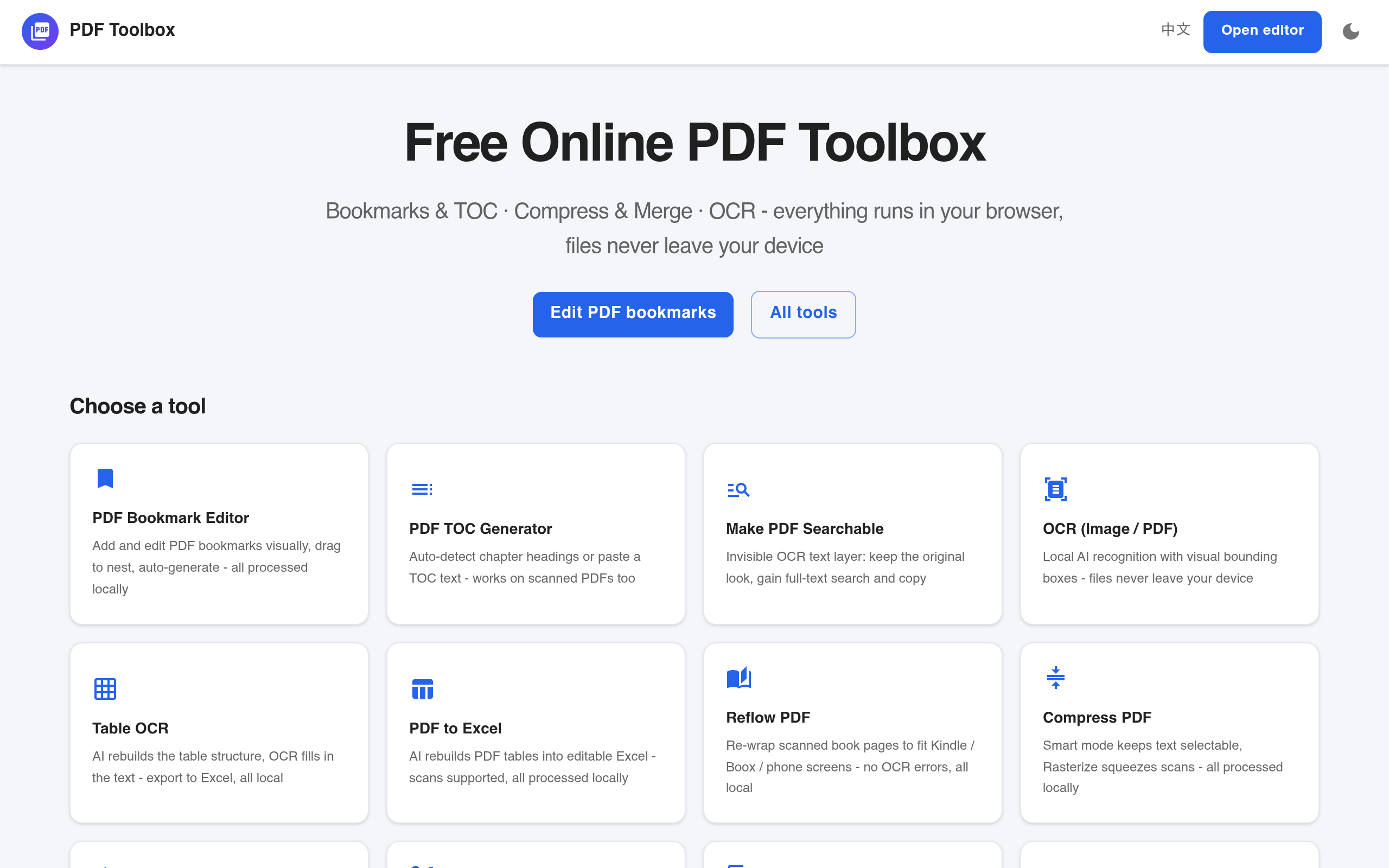
Free online PDF toolbox: edit bookmarks and outlines, generate a table of contents, compress, merge, split, watermark, encrypt, and OCR PDFs. Everything runs locally in your browser - your files are never uploaded.
PDF Toolbox is a free online tool designed for various PDF editing tasks, including editing bookmarks, generating tables of contents, compressing, merging, splitting, watermarking, encrypting, and performing OCR on PDFs. All operations are claimed to run locally in the user's browser, ensuring that files are never uploaded to external servers.
Sources behind this listingSee source links, recorded dates and owner corrections.
Observed facts come from public pages. Founder-edited facts are supplied by the verified owner. AI-inferred facts are model interpretations; derived facts are calculated from other data. A source link lets you check the current page. It does not guarantee the fact is still current.
Dates show when a record was saved. Some older records use the listing’s update date; they are not proof of a fresh check. Missing source records are shown explicitly.
- TaglineFree online PDF toolbox: edit bookmarks and outlines, generate a table of contents, compress, merge, split, watermark, encrypt, and OCR PDFs
- Source not recordedDate not recordedSource link unavailable
- DescriptionFree online PDF toolbox: edit bookmarks and outlines, generate a table of contents, compress, merge, split, watermark, encrypt, and OCR PDFs. Everything runs locally in your bro...
- Source not recordedDate not recordedSource link unavailable
- Free planNot stated
- Source not recordedDate not recordedSource link unavailable
- Free trialNot stated
- Source not recordedDate not recordedSource link unavailable
- SummaryPDF Toolbox is a free online tool designed for various PDF editing tasks, including editing bookmarks, generating tables of contents, compressing, merging, splitting, watermarki...
- AI-inferredRecorded Source link unavailable
Key Features
- Edit bookmarks and outlines visually, with drag-and-drop functionality.
- Generate a table of contents by auto-detecting chapter headings or pasting TOC text.
- Perform OCR on scanned PDFs to create a searchable text layer.
- Compress PDF files while maintaining text selectability.
- Merge multiple PDF files without watermarks or limits.
Who Is It For
Individuals and small teams who need straightforward PDF editing tools for personal or light business use.
Individuals or small businesses looking for a versatile, browser-based PDF editing solution without the need for software installation.
Users requiring extensive collaboration features or advanced PDF editing capabilities beyond the basic functions offered.
Strengths & Weaknesses
The ability to perform a wide range of PDF editing tasks locally in the browser, ensuring user privacy as files are not uploaded.
Alternatives to PDF Toolbox
Community
No comments yet. Be the first to share your experience.