


PDF to MD
Free local PDF to Markdown converter with batch download, OCR upgrade path, API and MCP access.
Overview
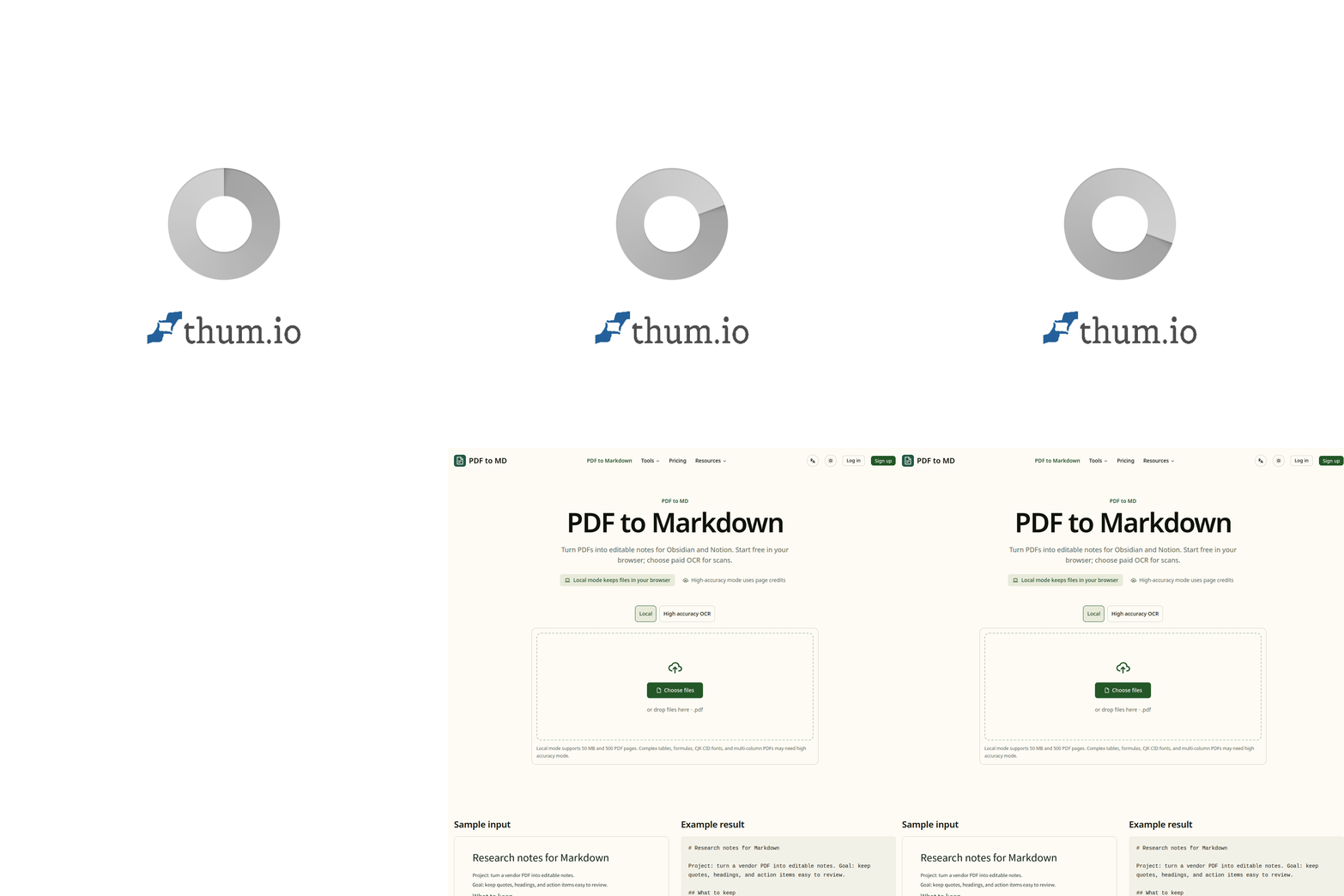
PDF to MD is a local PDF to Markdown converter that allows users to convert ordinary text PDFs, Word files, and HTML documents into editable Markdown notes. It offers a free local conversion option and paid upgrades for OCR and cloud processing, making it suitable for users who need to convert scanned documents or require higher accuracy.
Sources behind this listingSee source links, recorded dates and owner corrections.
Observed facts come from public pages. Founder-edited facts are supplied by the verified owner. AI-inferred facts are model interpretations; derived facts are calculated from other data. A source link lets you check the current page. It does not guarantee the fact is still current.
Dates show when a record was saved. Some older records use the listing’s update date; they are not proof of a fresh check. Missing source records are shown explicitly.
- TaglineFree local PDF to Markdown converter with batch download, OCR upgrade path, API and MCP access.
- Source not recordedDate not recordedSource link unavailable
- DescriptionFree local PDF to Markdown converter with batch download, OCR upgrade path, API and MCP access.
- Source not recordedDate not recordedSource link unavailable
- Starting price$7.90
- Source not recordedDate not recordedSource link unavailable
- Free planNot stated
- Source not recordedDate not recordedSource link unavailable
- Free trialNot stated
- Source not recordedDate not recordedSource link unavailable
- Pricing modelfreemium
- AI-inferredRecorded Source: pdf-to-md.app
- IntegrationsGitHub, Notion
- Source not recordedDate not recordedSource link unavailable
- Company locationremote
- Source not recordedDate not recordedSource link unavailable
- Plan: FreeFree
- AI-inferredRecorded Source: pdf-to-md.app
- Plan: Pro$7.90/mo
- AI-inferredRecorded Source: pdf-to-md.app
- Plan: OCR Pack$5
- AI-inferredRecorded Source: pdf-to-md.app
- SummaryPDF to MD is a local PDF to Markdown converter that allows users to convert ordinary text PDFs, Word files, and HTML documents into editable Markdown notes. It offers a free loc...
- AI-inferredRecorded Source link unavailable
Pricing
- ocr pages
- 5
- files per batch
- 5
- pdf exports per day
- 5
- cloud conversions per month
- 100
- Unlimited local conversion
- 5 files per batch
- 100 standard cloud conversions each month
- files per batch
- 100
- ocr pages per month
- 300
- pdf exports per month
- 200
- cloud conversions per month
- 1000
- For regular document cleanup and automation
- Save 27% vs monthly
- API and MCP credits shared with the website
- ocr pages
- 200
- Prepaid OCR for scanned PDFs and images
- Valid for 12 months
- Works on the website, API and MCP
Who Is It For
Individuals or teams looking for a straightforward tool to convert PDFs into Markdown for use in note-taking applications like Obsidian and Notion.
Users seeking a fully cloud-based solution without local processing options or those needing extensive social features.
Strengths & Weaknesses
Supports free local conversion for ordinary PDFs, allowing users to maintain privacy while converting documents without uploading them to the cloud.
Alternatives to PDF to MD
Community
No comments yet. Be the first to share your experience.