

Online Drawing
Draw online free — no sign-up, no download. Open the online drawing board in your browser, sketch with a mouse, finger or stylus, then downl
Overview
Draw online free — no sign-up, no download. Open the online drawing board in your browser, sketch with a mouse, finger or stylus, then download or publish your drawing.
Online Drawing offers a straightforward web-based drawing board that allows users to create sketches using a mouse, finger, or stylus without the need for sign-up or installation. Users can save their drawings as PNG files or share them in a public gallery after review.
Sources behind this listingSee source links, recorded dates and owner corrections.
Observed facts come from public pages. Founder-edited facts are supplied by the verified owner. AI-inferred facts are model interpretations; derived facts are calculated from other data. A source link lets you check the current page. It does not guarantee the fact is still current.
Dates show when a record was saved. Some older records use the listing’s update date; they are not proof of a fresh check. Missing source records are shown explicitly.
- TaglineDraw online free — no sign-up, no download. Open the online drawing board in your browser, sketch with a mouse, finger or stylus, then downl
- Source not recordedDate not recordedSource link unavailable
- DescriptionDraw online free — no sign-up, no download. Open the online drawing board in your browser, sketch with a mouse, finger or stylus, then download or publish your drawing.
- Source not recordedDate not recordedSource link unavailable
- Free planNot stated
- Source not recordedDate not recordedSource link unavailable
- Free trialNot stated
- Source not recordedDate not recordedSource link unavailable
- SummaryOnline Drawing offers a straightforward web-based drawing board that allows users to create sketches using a mouse, finger, or stylus without the need for sign-up or installatio...
- AI-inferredRecorded Source link unavailable
Key Features
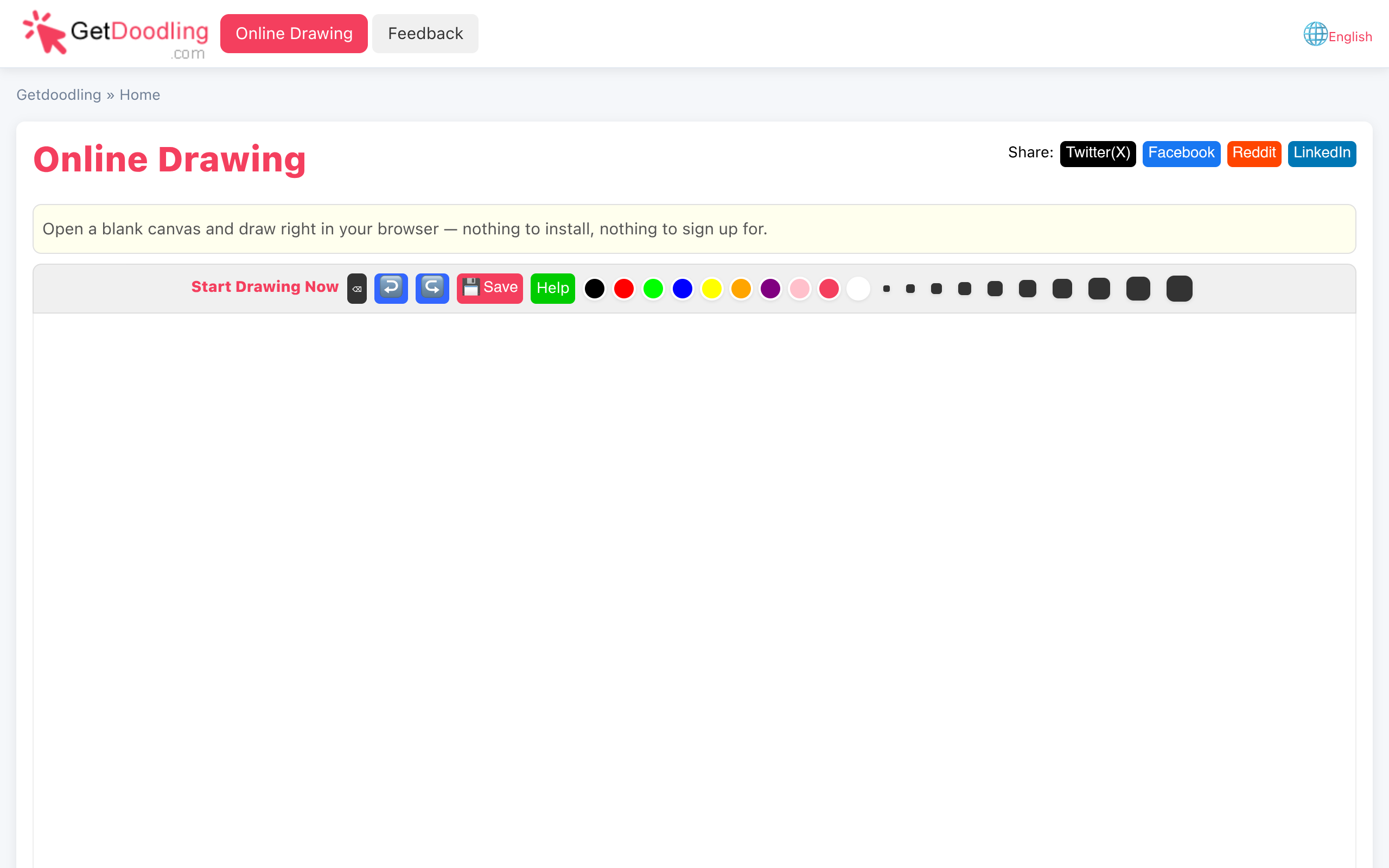
- Open a blank canvas and draw right in your browser with no setup required.
- Choose from ten brush sizes and ten colors, including an eraser function using white paint.
- Undo and redo options are available to facilitate experimentation.
- Save drawings as PNG files directly to your device or share them in a public gallery.
Who Is It For
Casual users, hobbyists, and students looking for a quick and easy way to create digital drawings without technical barriers.
Individuals seeking a simple and immediate online drawing solution without the need for accounts or installations.
Users looking for advanced drawing tools or features typically found in professional graphic design software.
Strengths & Weaknesses
The ease of access, requiring no sign-up or downloads, allows users to start drawing instantly in their browser.
Pricing information and details about free plans or trials are unclear from public info (AI-inferred; may be outdated. Founders can correct this)
Alternatives to Online Drawing
Community
No comments yet. Be the first to share your experience.