


MyFreeTools
Compress and convert images, edit PDFs, shrink videos, trim audio, make QR codes and passwords, count text: all in your browser. No upload,
Overview
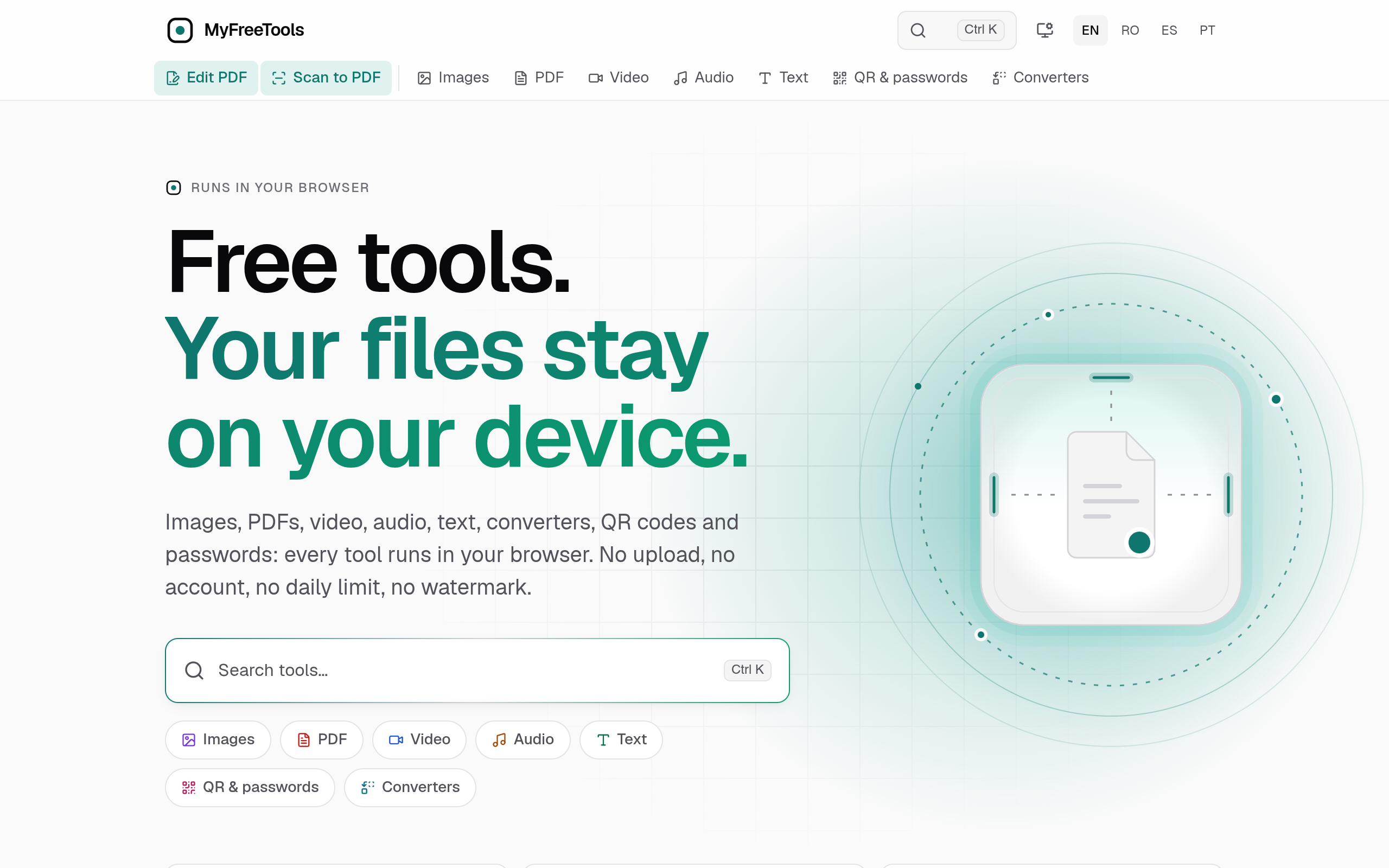
Compress and convert images, edit PDFs, shrink videos, trim audio, make QR codes and passwords, count text: all in your browser. No upload, no account.
MyFreeTools offers a suite of browser-based tools for image compression and conversion, PDF editing, video shrinking, audio trimming, QR code generation, and text counting, emphasizing privacy by processing files locally without uploads.
Sources behind this listingSee source links, recorded dates and owner corrections.
Observed facts come from public pages. Founder-edited facts are supplied by the verified owner. AI-inferred facts are model interpretations; derived facts are calculated from other data. A source link lets you check the current page. It does not guarantee the fact is still current.
Dates show when a record was saved. Some older records use the listing’s update date; they are not proof of a fresh check. Missing source records are shown explicitly.
- TaglineCompress and convert images, edit PDFs, shrink videos, trim audio, make QR codes and passwords, count text: all in your browser. No upload,
- Source not recordedDate not recordedSource link unavailable
- DescriptionCompress and convert images, edit PDFs, shrink videos, trim audio, make QR codes and passwords, count text: all in your browser. No upload, no account.
- Source not recordedDate not recordedSource link unavailable
- Free planNot stated
- Source not recordedDate not recordedSource link unavailable
- Free trialNot stated
- Source not recordedDate not recordedSource link unavailable
- IntegrationsLinear
- Source not recordedDate not recordedSource link unavailable
- Open sourceYes
- Source not recordedDate not recordedSource link unavailable
- SummaryMyFreeTools offers a suite of browser-based tools for image compression and conversion, PDF editing, video shrinking, audio trimming, QR code generation, and text counting, emph...
- AI-inferredRecorded Source link unavailable
Key Features
- Compress and convert images in various formats without visible loss.
- Edit PDFs by adding text, images, and signatures directly in the browser.
- Shrink videos for easier sharing without quality loss.
- Trim audio files and adjust volume or speed without re-encoding.
- Generate and read QR codes for links, Wi-Fi, and more.
Who Is It For
Individuals and small teams seeking efficient, user-friendly tools for file management and conversion tasks, particularly those prioritizing privacy and simplicity.
Individuals and small businesses looking for quick, no-cost solutions for file editing and conversion without needing to create an account.
Users who require advanced features or integrations beyond basic editing and conversion tools.
Strengths & Weaknesses
The ability to run all tools directly in the browser without the need for uploads or accounts, ensuring user privacy and convenience.
Classification
Alternatives to MyFreeTools
Community
No comments yet. Be the first to share your experience.