


Overview
Every product needs on-brand video: launches, ads, social posts, demos. Almost nobody has the time or budget to make them.
Hiring a motion designer costs $3,000 to $5,000 and takes two weeks. Doing it yourself in After Effects takes a weekend you don't have. So most products ship with a static screenshot and a prayer.
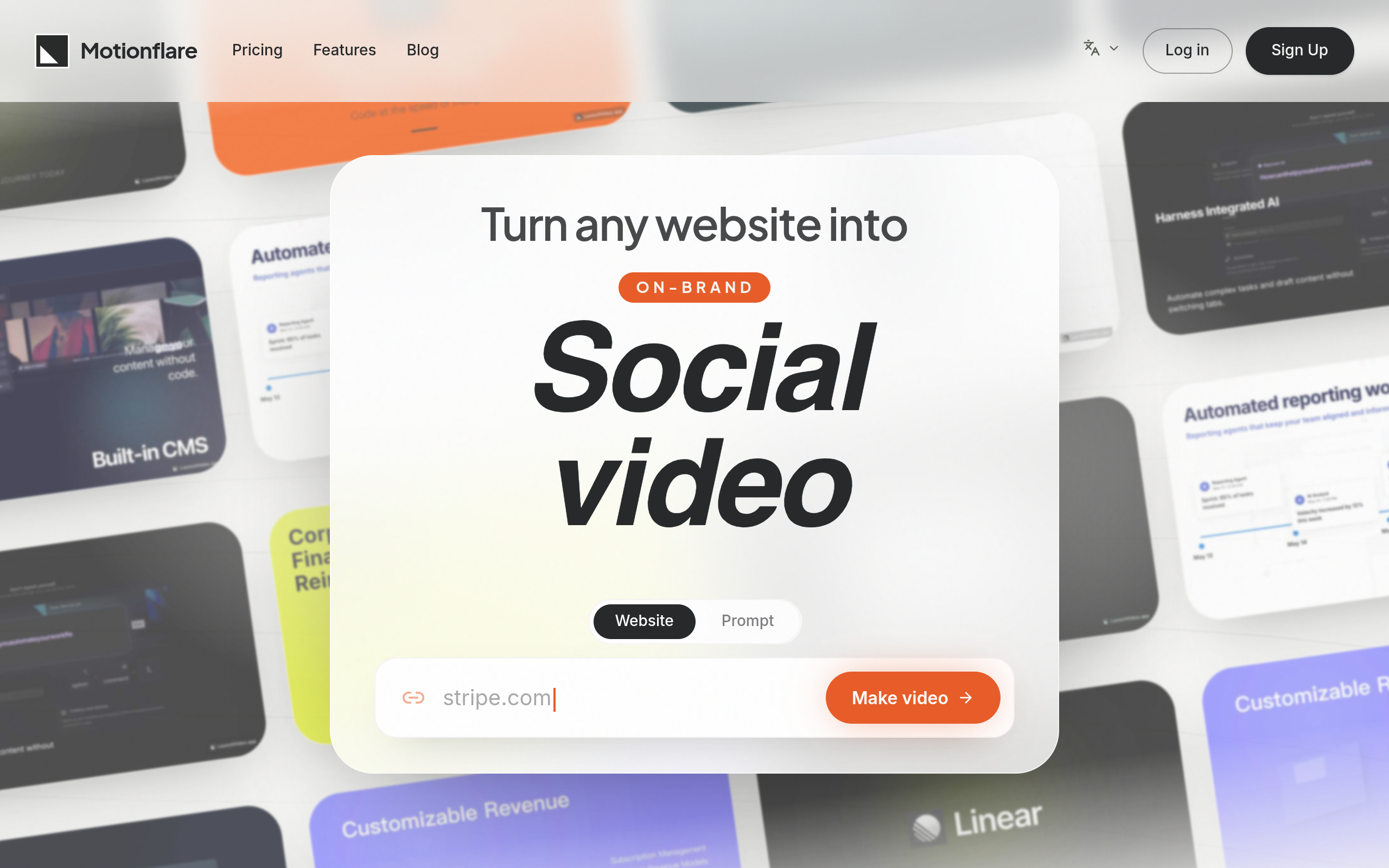
Motionflare fixes that. Paste your product's URL and in minutes you get a complete on-brand marketing video: script, animated scenes, voice-over, and music, all generated from your actual site.
How it works:
- Paste a URL or describe your idea. Motionflare crawls your site and picks up your logo, brand colors, copy, and screenshots.
- Approve the draft. AI writes a script and storyboard. Edit any line before generation starts.
- Watch it build. Each scene is real motion design generated as code, not a slideshow template with your logo slapped on.
- Refine by chat. "Make scene 2 punchier." "Swap the background to dark." Every scene is editable in plain English.
- Export and ship. 1080p or 4K, ready for X, YouTube, or your Product Hunt gallery.
What makes it different:
- Brand-aware, not template-fill. Scenes are designed around your site's actual look, so the video feels like yours.
- Real motion graphics. AI generates each scene as animated code, the same way a motion designer would build it. No stock template library underneath.
- Conversational editing. You never touch a timeline. If you can describe the change, you can make it.
Motionflare turns any website or idea into an on-brand marketing video. Paste a URL, and AI reads your website, writes the script, designs brand-aware animated scenes, adds voice-over and BGM. Refine anything by chat, export in 4K. Free to preview, no card.
Sources behind this listingSee source links, recorded dates and owner corrections.
Observed facts come from public pages. Founder-edited facts are supplied by the verified owner. AI-inferred facts are model interpretations; derived facts are calculated from other data. A source link lets you check the current page. It does not guarantee the fact is still current.
Dates show when a record was saved. Some older records use the listing’s update date; they are not proof of a fresh check. Missing source records are shown explicitly.
- TaglineOn-brand marketing videos from any URL
- Founder-editedRecorded Source: motionflare.ai
- DescriptionEvery product needs on-brand video: launches, ads, social posts, demos. Almost nobody has the time or budget to make them. Hiring a motion designer costs $3,000 to $5,000 and t...
- Founder-editedRecorded Source: motionflare.ai
- Starting price$29
- Founder-editedRecorded Source: motionflare.ai
- Free planYes
- Founder-editedRecorded Source: motionflare.ai
- Free trialYes
- Founder-editedRecorded Source: motionflare.ai
- Pricing modelfreemium
- AI-inferredRecorded Source: motionflare.ai
- Plan: FreeFree
- AI-inferredRecorded Source: motionflare.ai
- Plan: Flex$15/mo
- AI-inferredRecorded Source: motionflare.ai
- Plan: Pro$29/mo
- AI-inferredRecorded Source: motionflare.ai
- Plan: Max$99/mo
- AI-inferredRecorded Source: motionflare.ai
- SummaryMotionflare turns any website or idea into an on-brand marketing video. Paste a URL, and AI reads your website, writes the script, designs brand-aware animated scenes, adds voic...
- Founder-editedRecorded Source link unavailable
Pricing
- projects
- 1
- credits per month
- 10
- Create and preview videos in your browser
- 15s videos with English voiceover
- Videos with watermark
- projects
- unlimited
- credits per month
- 40
- No subscription, credits never expire
- Export and download video
- 1080p / 4K, no watermark
- projects
- unlimited
- credits per month
- 100
- Export and download video
- 1080p / 4K, no watermark
- Videos up to 90s
- projects
- unlimited
- credits per month
- 500
- Export and download video
- 1080p / 4K, no watermark
- Videos up to 90s
Key Features
- Generates videos from a URL or brief description without requiring a timeline.
- Extracts logos, text, and screenshots from the provided website.
- Offers a selection of accents and music tracks for video customization.
- Allows inline video playback and scrubbing in the workspace.
- Supports exporting videos in 1080p or 4K formats.
Who Is It For
Small to medium-sized businesses looking for efficient video marketing solutions, particularly those with limited resources for traditional video production.
Businesses seeking a quick and automated way to produce branded video content for marketing and social media.
Companies requiring highly customized video production or extensive editing capabilities.
Strengths & Weaknesses
Classification
Alternatives to Motionflare
Community
2Motionflare generates complete on-brand marketing videos by crawling a product's URL to extract logos, brand colours, copy, and screenshots, which seems well suited for businesses needing quick video content without a dedicated design team. How did you decide on the balance between automation and allowing users to edit scenes conversationally rather than through traditional timeline tools?
 Joey24 Jul 2026
Hi Henrik, thank you. The decision came from our own experience as non-editors. Traditional timeline-based tools can have a steep learning curve, especially for users who simply want to create a polished video quickly. That’s why we automate as much of the initial creation as possible, then let users refine the result conversationally by describing the changes they want. Our goal is to combine the speed of automation with enough creative control, without requiring users to learn professional editing software.