


Markdown Viewer
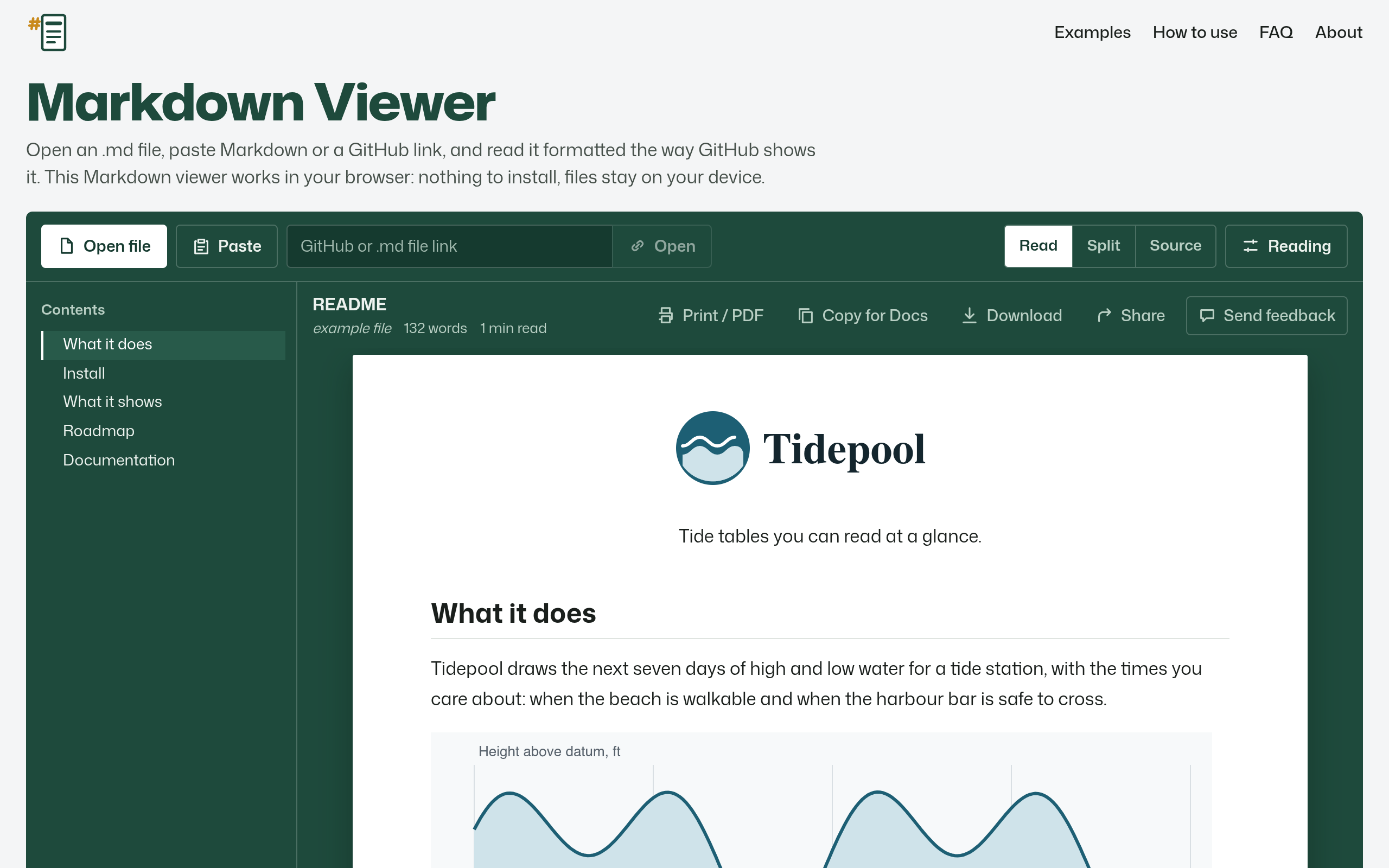
Free Markdown viewer: open an .md file, paste text or load a GitHub link and read it rendered like GitHub, with tables, math, Mermaid, conte
Overview
Free Markdown viewer: open an .md file, paste text or load a GitHub link and read it rendered like GitHub, with tables, math, Mermaid, contents and PDF export.
Markdown Viewer is a web-based tool designed to render Markdown files (.md) in a format similar to GitHub, allowing users to view content with tables, math, and diagrams. It supports opening files directly, pasting text, or loading links from GitHub and other sources, and offers features for exporting to PDF and Word formats.
Sources behind this listingSee source links, recorded dates and owner corrections.
Observed facts come from public pages. Founder-edited facts are supplied by the verified owner. AI-inferred facts are model interpretations; derived facts are calculated from other data. A source link lets you check the current page. It does not guarantee the fact is still current.
Dates show when a record was saved. Some older records use the listing’s update date; they are not proof of a fresh check. Missing source records are shown explicitly.
- TaglineFree Markdown viewer: open an .md file, paste text or load a GitHub link and read it rendered like GitHub, with tables, math, Mermaid, conte
- Source not recordedDate not recordedSource link unavailable
- DescriptionFree Markdown viewer: open an .md file, paste text or load a GitHub link and read it rendered like GitHub, with tables, math, Mermaid, contents and PDF export.
- Source not recordedDate not recordedSource link unavailable
- Free planNot stated
- Source not recordedDate not recordedSource link unavailable
- Free trialNot stated
- Source not recordedDate not recordedSource link unavailable
- IntegrationsGitHub, GitLab, Google Workspace
- Source not recordedDate not recordedSource link unavailable
- PlatformsWeb
- Source not recordedDate not recordedSource link unavailable
- Open sourceYes
- Source not recordedDate not recordedSource link unavailable
- SummaryMarkdown Viewer is a web-based tool designed to render Markdown files (.md) in a format similar to GitHub, allowing users to view content with tables, math, and diagrams. It sup...
- AI-inferredRecorded Source link unavailable
Key Features
- Open .md files, paste Markdown text, or load links from GitHub.
- Render Markdown content with support for tables, math, and Mermaid diagrams.
- Export documents to PDF or Word formats while preserving formatting.
- No installation required; works directly in the browser.
- Supports GitHub Flavored Markdown and maintains privacy by not uploading files.
Who Is It For
Individuals, developers, and small teams who frequently work with Markdown files and prefer a straightforward, browser-based solution.
Individuals or teams needing a quick and easy way to view and share Markdown files without installation.
Users looking for advanced editing capabilities or those who require offline access.
Strengths & Weaknesses
The ability to render Markdown files in a format closely resembling GitHub's display, along with support for various Markdown features including tables, math, and Mermaid diagrams.
Pricing and free plan details are unclear from public info (AI-inferred; may be outdated. Founders can correct this)
Classification
Alternatives to Markdown Viewer
Community
No comments yet. Be the first to share your experience.