


Mac storage analysis and cleanup
Understand what is using your Mac's storage — System Data, caches, build artifacts and worktrees — then clean up only what can be rebuilt.
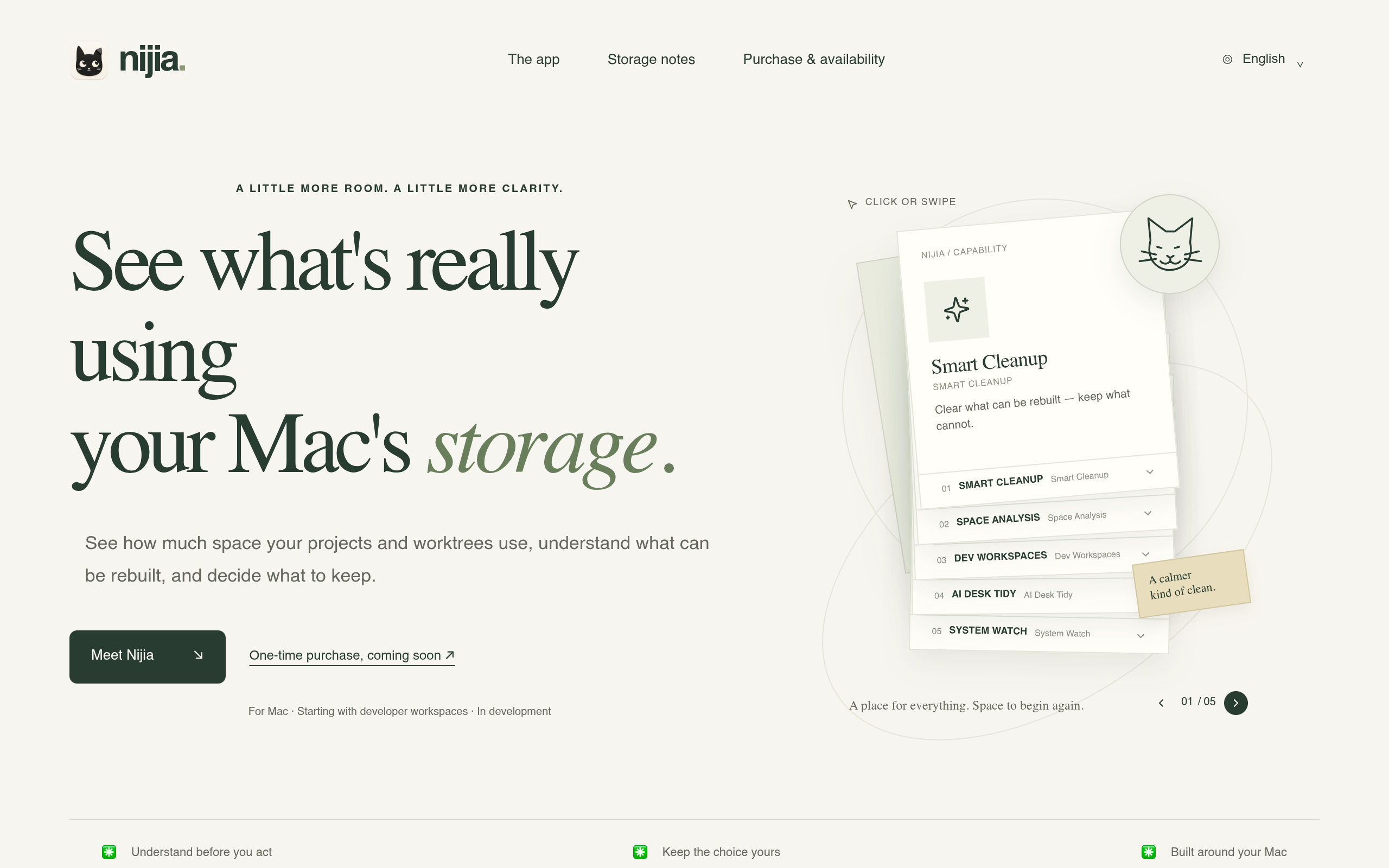
Overview
Nijia is a macOS storage analysis and cleanup tool designed to help users understand their storage usage, particularly focusing on developer workspaces and derived artifacts. It offers features like smart cleanup, space analysis, and workspace inspection to help users make informed decisions about what to keep or delete.
Sources behind this listingSee source links, recorded dates and owner corrections.
Observed facts come from public pages. Founder-edited facts are supplied by the verified owner. AI-inferred facts are model interpretations; derived facts are calculated from other data. A source link lets you check the current page. It does not guarantee the fact is still current.
Dates show when a record was saved. Some older records use the listing’s update date; they are not proof of a fresh check. Missing source records are shown explicitly.
- TaglineUnderstand what is using your Mac's storage — System Data, caches, build artifacts and worktrees — then clean up only what can be rebuilt.
- Source not recordedDate not recordedSource link unavailable
- DescriptionUnderstand what is using your Mac's storage — System Data, caches, build artifacts and worktrees — then clean up only what can be rebuilt.
- Source not recordedDate not recordedSource link unavailable
- Free planNot stated
- Source not recordedDate not recordedSource link unavailable
- Free trialNot stated
- Source not recordedDate not recordedSource link unavailable
- Pricing modelfreemium
- AI-inferredRecorded Source: nijia.app
- Plan: Pro Monthly$4.99/mo
- AI-inferredRecorded Source: nijia.app
- Plan: Pro Yearly$479.88/year
- AI-inferredRecorded Source: nijia.app
- Plan: Pro One-TimePrice not stated
- AI-inferredRecorded Source: nijia.app
- SummaryNijia is a macOS storage analysis and cleanup tool designed to help users understand their storage usage, particularly focusing on developer workspaces and derived artifacts. It...
- AI-inferredRecorded Source link unavailable
Pricing
- macs
- 2
- Full toolkit
- Up to 2 Macs
- Cancel anytime
- macs
- 2
- Best value — 4 months free
- Full toolkit
- Priority support
- macs
- 2
- Pay once, own v1
- Full toolkit
- Lifetime v1 updates
Who Is It For
Developers and technical users who need to manage storage related to coding workspaces and projects on macOS.
Casual users who do not engage with developer tools or require broader disk analysis beyond coding workspaces.
Strengths & Weaknesses
The ability to analyze and clean up storage specifically related to developer workspaces, providing insights into what can be rebuilt.
Classification
Alternatives to Mac storage analysis and cleanup
Community
No comments yet. Be the first to share your experience.