


Lumshot
Lumshot helps you capture, annotate, and share screenshots faster with AI workflows, OCR, smart redaction, screen recording, and powerful integrations
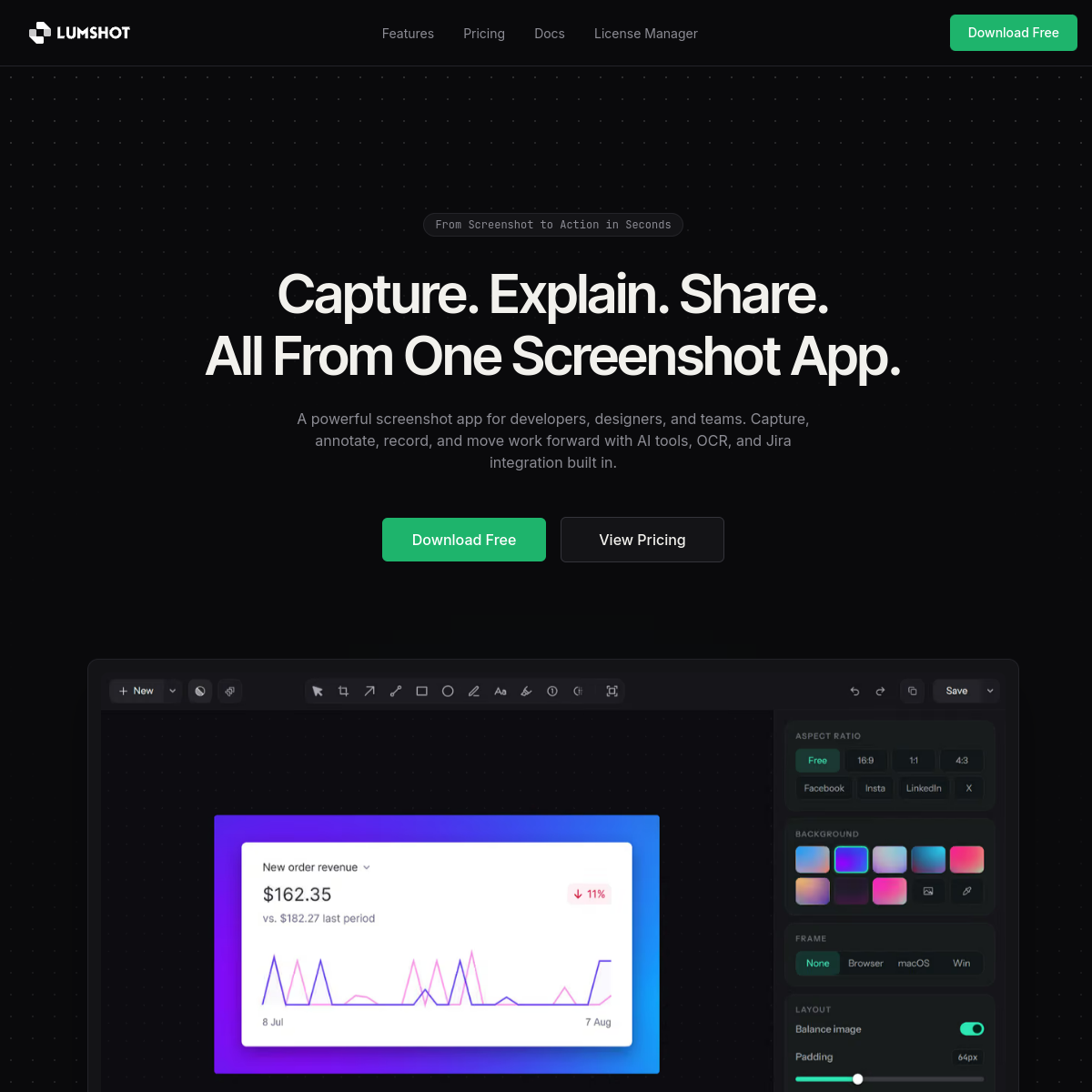
Overview
Lumshot is a screenshot application designed to enhance productivity through features such as AI workflows, OCR for text recognition, smart redaction for privacy, screen recording, and integration with Jira. It aims to streamline the process of capturing, annotating, and sharing screenshots, particularly for teams in development, design, and product management.
Sources behind this listingSee source links, recorded dates and owner corrections.
Observed facts come from public pages. Founder-edited facts are supplied by the verified owner. AI-inferred facts are model interpretations; derived facts are calculated from other data. A source link lets you check the current page. It does not guarantee the fact is still current.
Dates show when a record was saved. Some older records use the listing’s update date; they are not proof of a fresh check. Missing source records are shown explicitly.
- TaglineLumshot helps you capture, annotate, and share screenshots faster with AI workflows, OCR, smart redaction, screen recording, and powerful integrations
- ObservedRecorded Source: lumshot.app
- DescriptionLumshot helps you capture, annotate, and share screenshots faster with AI workflows, OCR, smart redaction, screen recording, and powerful integrations
- ObservedRecorded Source: lumshot.app
- Free planYes
- ObservedRecorded Source: lumshot.app
- Free trialYes
- ObservedRecorded Source: lumshot.app
- IntegrationsJira
- ObservedRecorded Source: lumshot.app
- SummaryLumshot is a screenshot application designed to enhance productivity through features such as AI workflows, OCR for text recognition, smart redaction for privacy, screen recordi...
- AI-inferredRecorded Source link unavailable
Who Is It For
Teams and professionals in software development, design, and product management who require efficient screenshot capturing and sharing capabilities.
Individuals or teams looking for advanced features beyond screenshot management, such as extensive project management tools or comprehensive design software.
Strengths & Weaknesses
The integration with AI tools and Jira allows for seamless workflows, enabling users to turn screenshots into actionable tasks without switching applications.
Limited platform availability as it is currently only available for Windows, with macOS and Linux versions in development (AI-inferred; may be outdated. Founders can correct this)
Alternatives to Lumshot
Community
No comments yet. Be the first to share your experience.