


Lispr
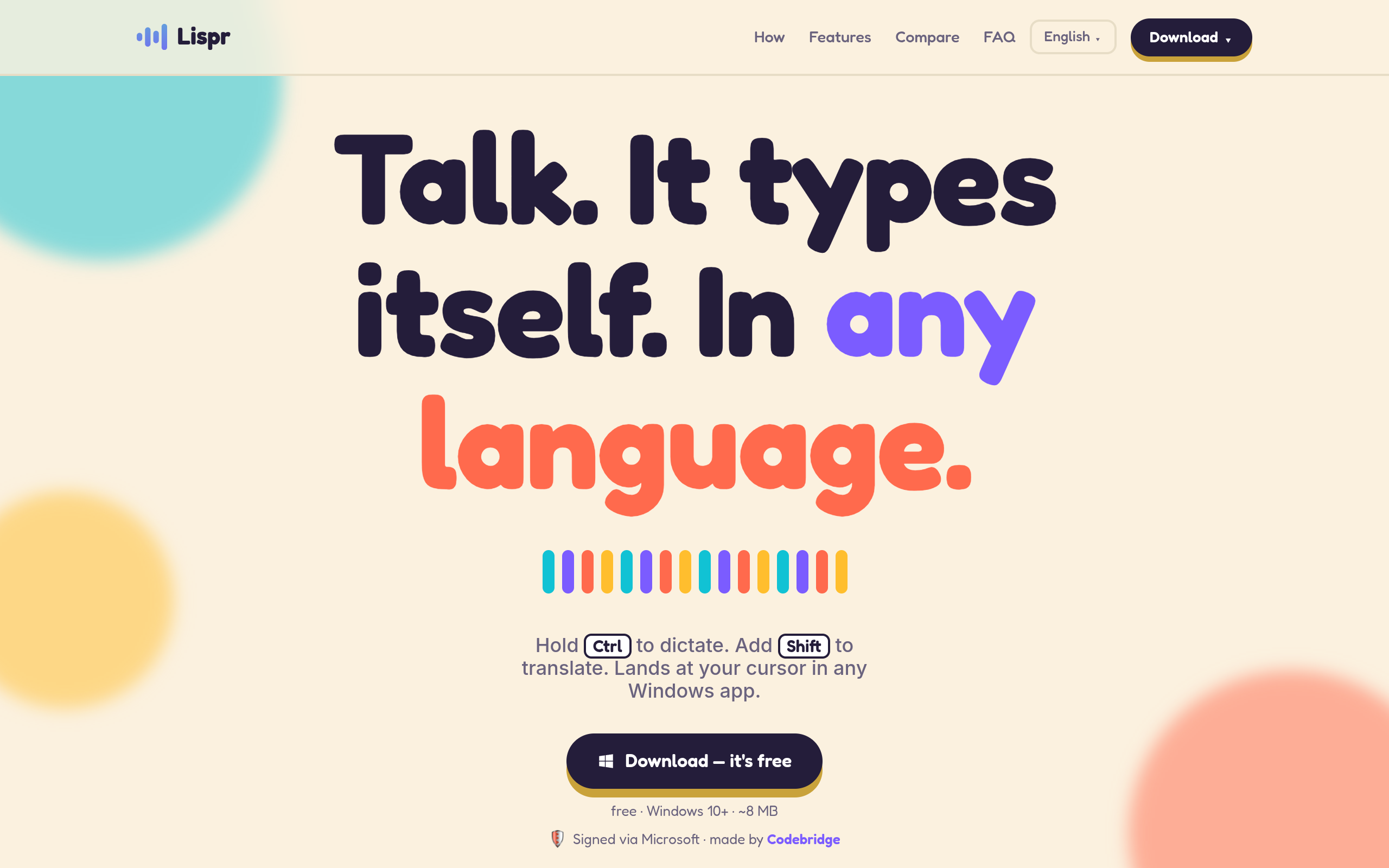
Free voice dictation for Windows with built-in translation. Hold right Ctrl, speak your language, text lands at your cursor in any app. ~99 languages, no account, ~8 MB.
Overview
Lispr is a voice dictation tool for Windows that allows users to dictate text in their native language and translate it into another language with a simple key combination. It supports around 99 languages and is designed for use in any application where text input is required.
Sources behind this listingSee source links, recorded dates and owner corrections.
Observed facts come from public pages. Founder-edited facts are supplied by the verified owner. AI-inferred facts are model interpretations; derived facts are calculated from other data. A source link lets you check the current page. It does not guarantee the fact is still current.
Dates show when a record was saved. Some older records use the listing’s update date; they are not proof of a fresh check. Missing source records are shown explicitly.
- TaglineFree voice dictation for Windows with built-in translation. Hold right Ctrl, speak your language, text lands at your cursor in any app. ~99 languages, no account, ~8 MB.
- ObservedRecorded Source: lispr.ai
- DescriptionFree voice dictation for Windows with built-in translation. Hold right Ctrl, speak your language, text lands at your cursor in any app. ~99 languages, no account, ~8 MB.
- ObservedRecorded Source: lispr.ai
- Free planNot stated
- Source not recordedDate not recordedSource link unavailable
- Free trialNot stated
- Source not recordedDate not recordedSource link unavailable
- Pricing modelfreemium
- AI-inferredRecorded Source: lispr.ai
- IntegrationsFigma, Slack, WhatsApp
- ObservedRecorded Source: lispr.ai
- Plan: FreeFree
- AI-inferredRecorded Source: lispr.ai
- Plan: Pro$7.99/mo
- AI-inferredRecorded Source: lispr.ai
- SummaryLispr is a voice dictation tool for Windows that allows users to dictate text in their native language and translate it into another language with a simple key combination. It s...
- AI-inferredRecorded Source link unavailable
Pricing
- dictation minutes per week
- 60
- 60 dictation minutes per week, resets every Monday
- Push-to-talk dictation in ~99 languages
- Instant translation into 32 languages
- dictation minutes
- unlimited
- Unlimited dictation minutes
- AI formatting: paragraphs, lists, concise mode
- All your devices under one account
Who Is It For
Individuals or teams needing fast, multilingual dictation and translation capabilities without the hassle of account creation or complex setups.
Users looking for advanced features beyond basic dictation and translation, or those who require a comprehensive suite of productivity tools.
Strengths & Weaknesses
The ability to dictate and translate text seamlessly in real-time across various applications with minimal setup.
Classification
Alternatives to Lispr
Community
No comments yet. Be the first to share your experience.