


Image Size Finder
Free image size finder: drop photos, paste a link or scan a web page to see width × height in pixels, file size in KB/MB, aspect ratio, DPI
Overview
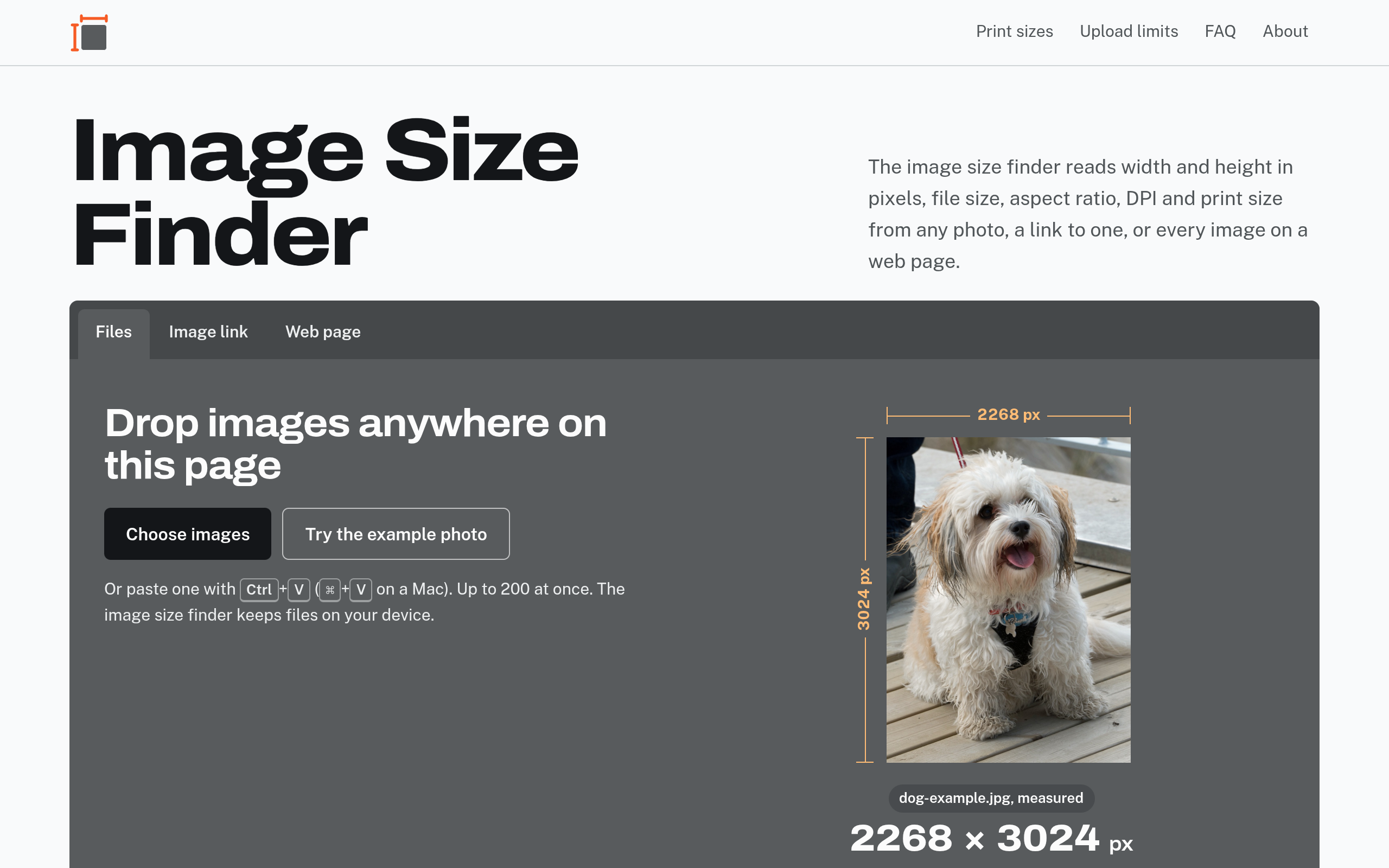
Free image size finder: drop photos, paste a link or scan a web page to see width × height in pixels, file size in KB/MB, aspect ratio, DPI and print size.
Image Size Finder is a web-based tool that enables users to determine the dimensions, file size, aspect ratio, DPI, and print size of images. Users can upload images directly, paste links, or scan web pages to retrieve image data. The tool supports various image formats and provides detailed metrics for each image processed.
Sources behind this listingSee source links, recorded dates and owner corrections.
Observed facts come from public pages. Founder-edited facts are supplied by the verified owner. AI-inferred facts are model interpretations; derived facts are calculated from other data. A source link lets you check the current page. It does not guarantee the fact is still current.
Dates show when a record was saved. Some older records use the listing’s update date; they are not proof of a fresh check. Missing source records are shown explicitly.
- TaglineFree image size finder: drop photos, paste a link or scan a web page to see width × height in pixels, file size in KB/MB, aspect ratio, DPI
- Source not recordedDate not recordedSource link unavailable
- DescriptionFree image size finder: drop photos, paste a link or scan a web page to see width × height in pixels, file size in KB/MB, aspect ratio, DPI and print size.
- Source not recordedDate not recordedSource link unavailable
- Free planNot stated
- Source not recordedDate not recordedSource link unavailable
- Free trialNot stated
- Source not recordedDate not recordedSource link unavailable
- IntegrationsDiscord, Dropbox, Google Workspace, Shopify
- Source not recordedDate not recordedSource link unavailable
- PlatformsmacOS
- Source not recordedDate not recordedSource link unavailable
- SummaryImage Size Finder is a web-based tool that enables users to determine the dimensions, file size, aspect ratio, DPI, and print size of images. Users can upload images directly, p...
- AI-inferredRecorded Source link unavailable
Key Features
- Reads width and height in pixels, file size, aspect ratio, DPI, and print size from images.
- Allows users to drop images, paste links, or scan web pages for image data.
- Supports a wide range of image formats including JPEG, PNG, GIF, and more.
- Provides upload compatibility checks against platform requirements.
- Offers the ability to make print copies of images with specified dimensions.
Who Is It For
Graphic designers, photographers, web developers, and anyone needing to manage image sizes for various applications, typically small to medium-sized businesses or individual users.
Individuals or businesses needing to quickly assess image dimensions and file sizes for printing or uploading purposes.
Users looking for advanced image editing capabilities or extensive social integration features.
Strengths & Weaknesses
The ability to analyze multiple images at once and provide detailed metrics, including upload compatibility checks against various platforms.
Pricing information is not visible, making it unclear whether there are any costs associated with usage. (AI-inferred; may be outdated. Founders can correct this)
Classification
Alternatives to Image Size Finder
Community
No comments yet. Be the first to share your experience.