

Overview
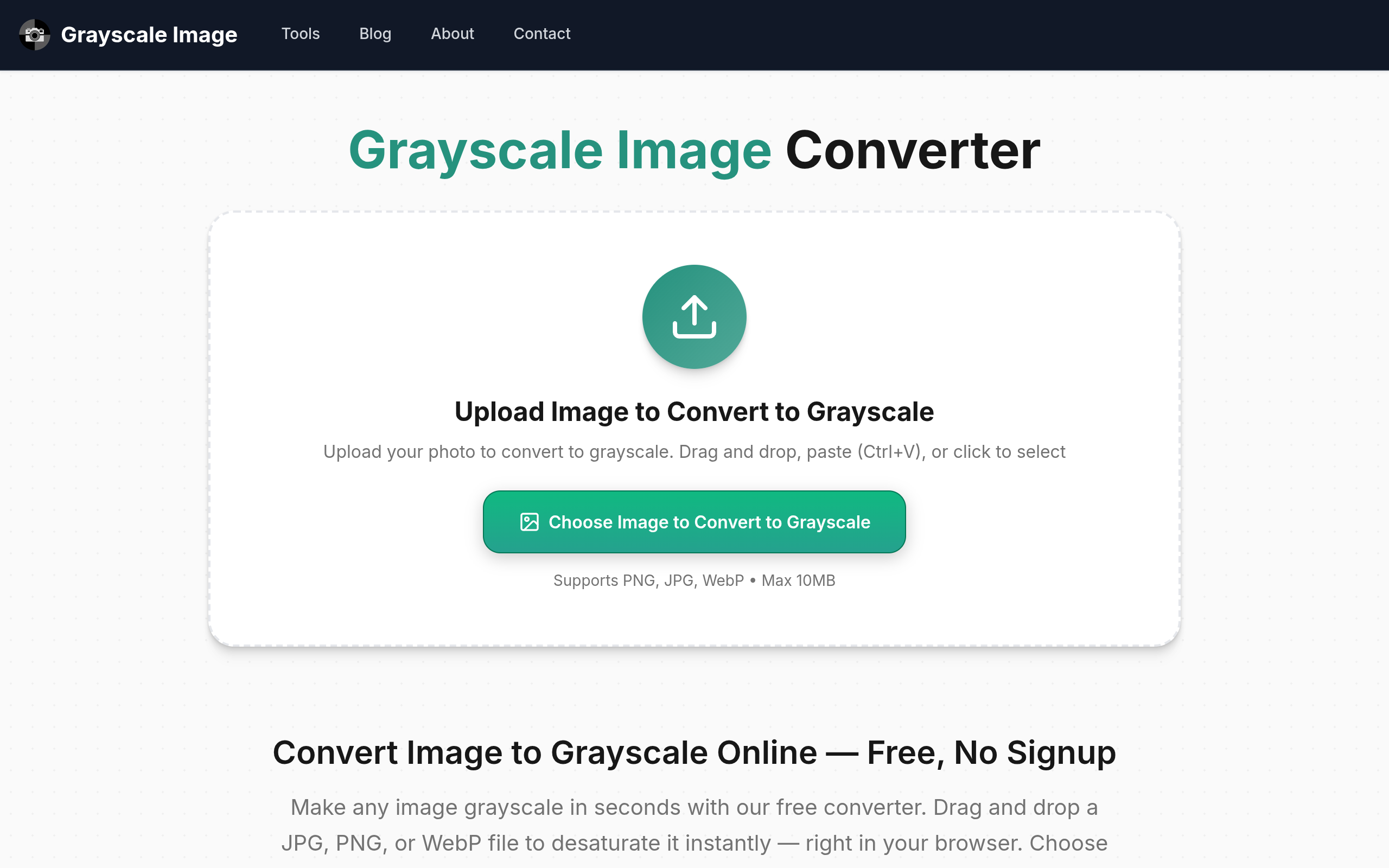
Free browser-based image tools for grayscale conversion and creative effects. Process JPG, PNG, and WebP files locally on your device, adjust results in real time, and download without creating an account.
Convert photos to grayscale and explore black-and-white, sepia, posterization, dithering, duotone, tinting, and more. Everything runs locally in your browser with no signup, uploads, watermark, or paid tier.
Sources behind this listingSee source links, recorded dates and owner corrections.
Observed facts come from public pages. Founder-edited facts are supplied by the verified owner. AI-inferred facts are model interpretations; derived facts are calculated from other data. A source link lets you check the current page. It does not guarantee the fact is still current.
Dates show when a record was saved. Some older records use the listing’s update date; they are not proof of a fresh check. Missing source records are shown explicitly.
- TaglineFree, private browser tools for grayscale and creative image effects
- Founder-editedRecorded Source: grayscaleimage.org
- DescriptionFree browser-based image tools for grayscale conversion and creative effects. Process JPG, PNG, and WebP files locally on your device, adjust results in real time, and download ...
- Founder-editedRecorded Source: grayscaleimage.org
- Starting priceFree
- Founder-editedRecorded Source: grayscaleimage.org
- Free planYes
- Founder-editedRecorded Source: grayscaleimage.org
- Free trialNo
- Founder-editedRecorded Source: grayscaleimage.org
- PlatformsWeb
- ObservedRecorded Source: grayscaleimage.org
- SummaryConvert photos to grayscale and explore black-and-white, sepia, posterization, dithering, duotone, tinting, and more. Everything runs locally in your browser with no signup, upl...
- Founder-editedRecorded Source link unavailable
Key Features
- Convert images to grayscale using four different methods: Weighted, Average, Maximum, and Minimum.
- Adjust brightness and contrast in real-time from -100 to +100.
- Supports JPG, PNG, and WebP formats for upload.
- No signup or upload required; processes images locally in the browser.
Who Is It For
Casual users, photographers, and web designers looking for a simple, efficient tool for grayscale image conversion, typically operating in small teams or as individual freelancers.
Photographers, designers, bloggers, students, and anyone who wants quick, private image conversion without installing editing software.
Teams needing cloud collaboration, asset management, batch automation, or a full layered photo editor should use a dedicated editing suite.
Strengths & Weaknesses
Alternatives to Grayscale Image
Community
No comments yet. Be the first to share your experience.