


FormForge
Build fillable PDF forms free in your browser. Import any PDF, add text fields, checkboxes and signatures, then export Adobe-ready forms. No
Overview
Build fillable PDF forms free in your browser. Import any PDF, add text fields, checkboxes and signatures, then export Adobe-ready forms. No signup required.
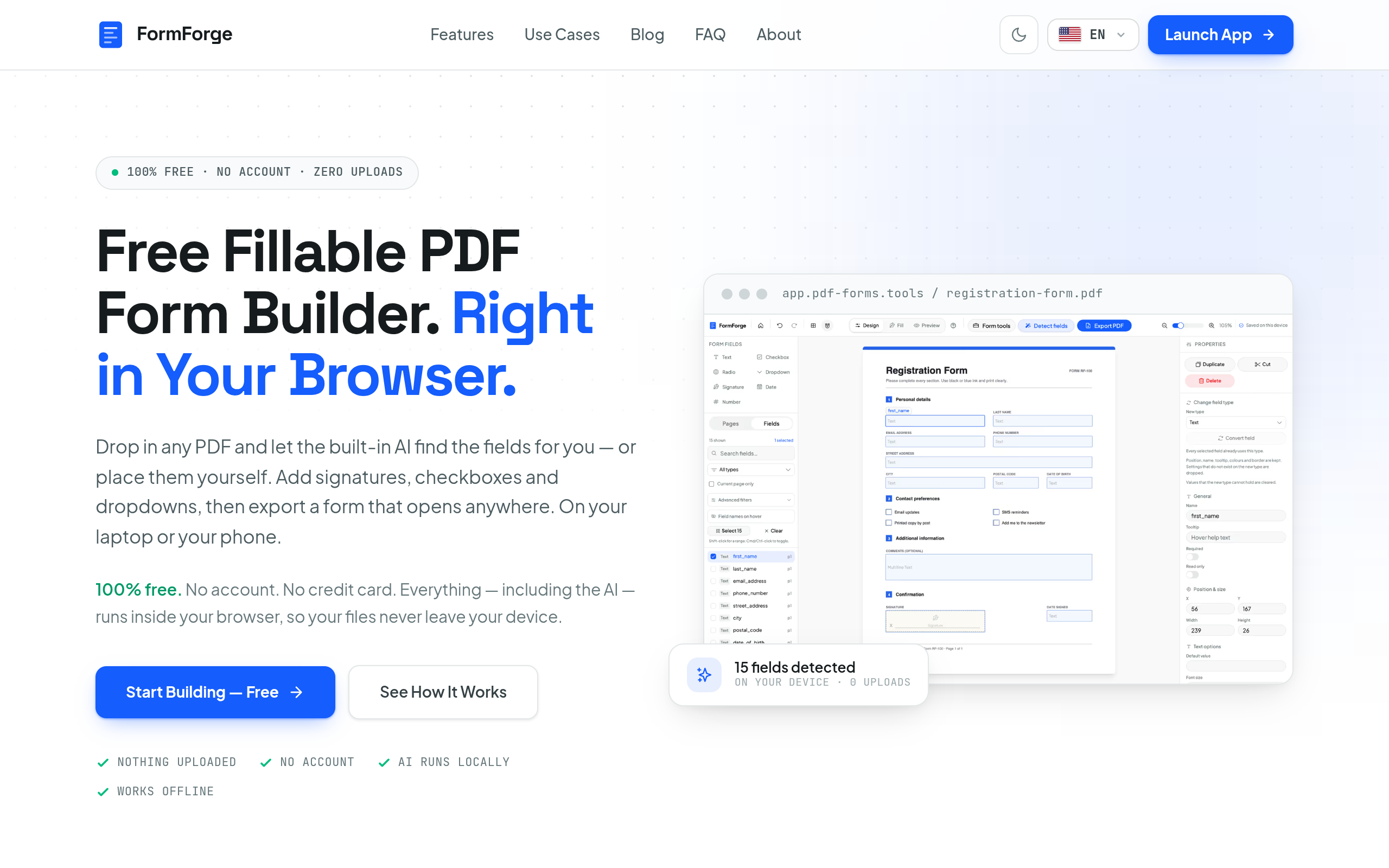
FormForge is a free, browser-based tool designed to create fillable PDF forms without the need for accounts or uploads. It allows users to import existing PDFs, add various field types, and export compliant forms that work in standard PDF viewers.
Sources behind this listingSee source links, recorded dates and owner corrections.
Observed facts come from public pages. Founder-edited facts are supplied by the verified owner. AI-inferred facts are model interpretations; derived facts are calculated from other data. A source link lets you check the current page. It does not guarantee the fact is still current.
Dates show when a record was saved. Some older records use the listing’s update date; they are not proof of a fresh check. Missing source records are shown explicitly.
- TaglineBuild fillable PDF forms free in your browser. Import any PDF, add text fields, checkboxes and signatures, then export Adobe-ready forms. No
- Source not recordedDate not recordedSource link unavailable
- DescriptionBuild fillable PDF forms free in your browser. Import any PDF, add text fields, checkboxes and signatures, then export Adobe-ready forms. No signup required.
- Source not recordedDate not recordedSource link unavailable
- Free planNot stated
- Source not recordedDate not recordedSource link unavailable
- Free trialNot stated
- Source not recordedDate not recordedSource link unavailable
- IntegrationsGitHub
- Source not recordedDate not recordedSource link unavailable
- PlatformsLinux, Web, Windows, macOS
- Source not recordedDate not recordedSource link unavailable
- SummaryFormForge is a free, browser-based tool designed to create fillable PDF forms without the need for accounts or uploads. It allows users to import existing PDFs, add various fiel...
- AI-inferredRecorded Source link unavailable
Key Features
- Import any PDF and automatically detect fields using built-in AI.
- Add various field types including text, checkboxes, and signatures.
- Preview forms live before exporting to ensure accuracy.
- Export fillable PDFs that are compatible with Adobe Acrobat and other viewers.
- Entirely runs in the browser with no uploads, ensuring document privacy.
Who Is It For
Small business owners, freelancers, and individuals who require a straightforward solution for creating fillable PDF forms without technical expertise.
Individuals and small businesses looking to create fillable PDF forms quickly and privately without the need for software installation or account creation.
Users needing advanced PDF editing features beyond form creation, such as reordering or merging pages.
Strengths & Weaknesses
The ability to create fillable PDFs entirely in the browser without uploading documents, ensuring privacy and ease of use.
Pricing information is unclear from public info (AI-inferred; may be outdated. Founders can correct this)
Alternatives to FormForge
Community
No comments yet. Be the first to share your experience.