


Overview
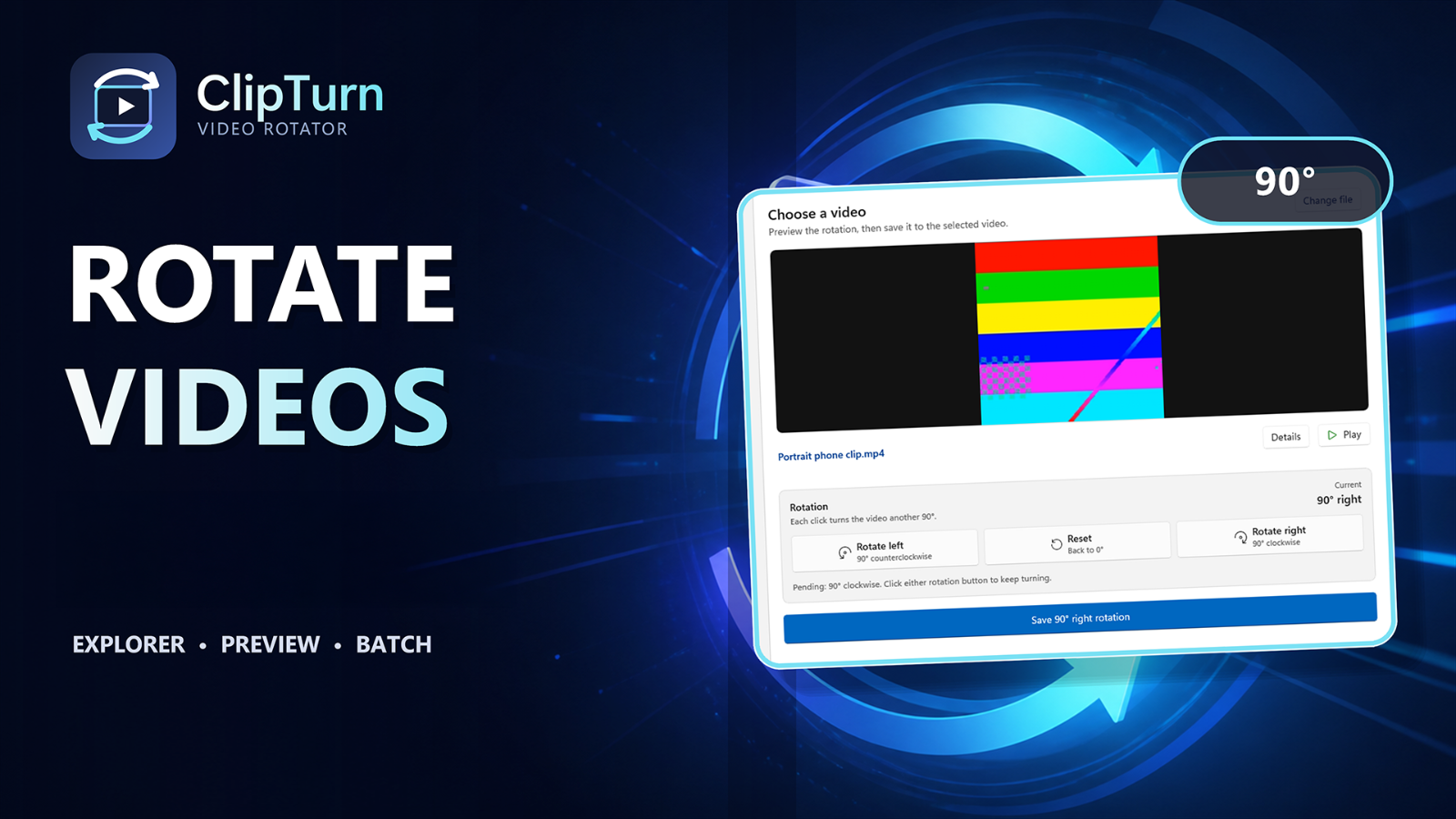
ClipTurn is a focused Windows video rotator for correcting sideways or upside-down video files. Right-click a supported file in File Explorer to turn it left or right, preview a single video in the app, or batch-process a folder. ClipTurn chooses a compatible local processing path, preserves supported audio, metadata, tracks, colour information and HDR where it can, and independently verifies the result before replacing the original. If it cannot produce a faithful, verified result, it leaves the source untouched and explains why. There is no account, cloud upload or codec setup to manage. It runs on Windows 10 and Windows 11, with support for MP4, M4V, MOV, MKV, WebM, WMV and uncompressed AVI.
ClipTurn physically rotates videos instead of relying on an orientation flag. Use File Explorer or the app, and every candidate is verified before it can replace your source.
Sources behind this listingSee source links, recorded dates and owner corrections.
Observed facts come from public pages. Founder-edited facts are supplied by the verified owner. AI-inferred facts are model interpretations; derived facts are calculated from other data. A source link lets you check the current page. It does not guarantee the fact is still current.
Dates show when a record was saved. Some older records use the listing’s update date; they are not proof of a fresh check. Missing source records are shown explicitly.
- TaglinePhysical video rotation for Windows, directly from File Explorer.
- Founder-editedRecorded Source: clipturn.app
- DescriptionClipTurn is a focused Windows video rotator for correcting sideways or upside-down video files. Right-click a supported file in File Explorer to turn it left or right, preview a...
- Founder-editedRecorded Source: clipturn.app
- Starting priceFree
- Founder-editedRecorded Source: clipturn.app
- Free planYes
- Founder-editedRecorded Source: clipturn.app
- Free trialNo
- Founder-editedRecorded Source: clipturn.app
- Pricing modelfreemium
- AI-inferredRecorded Source: clipturn.app
- Company locationremote
- ObservedRecorded Source: clipturn.app
- Plan: ClipTurnFree
- AI-inferredRecorded Source: clipturn.app
- SummaryClipTurn physically rotates videos instead of relying on an orientation flag. Use File Explorer or the app, and every candidate is verified before it can replace your source.
- Founder-editedRecorded Source link unavailable
Pricing
- ads
- yes
- sound limit
- 15 seconds
- export limit
- 1080p
- No trial timer, no feature gate
- Local processing and verification
- All current rotation workflows
Key Features
- Physical 90° left, 90° right, and 180° video rotation
- File Explorer commands for supported video files
- Preview and stream details for single-video rotations
- Batch Rotate with an independent result for every file
- Candidate verification before any in-place replacement
- Local processing with no account or video uploads
- Clear refusals and reviewed-copy options when a safe replacement is not possible
Who Is It For
Windows 10/11 users who want a safe, simple way to correct sideways or upside-down videos directly from File Explorer.
People who need a full video editor, a Mac/mobile app, cloud workflows, or guaranteed lossless rotation for every compressed video.
Strengths & Weaknesses
Classification
Alternatives to ClipTurn
Community
No comments yet. Be the first to share your experience.