


Blackout
Turn off your MacBook’s built-in display and keep working on an external monitor with the lid open.
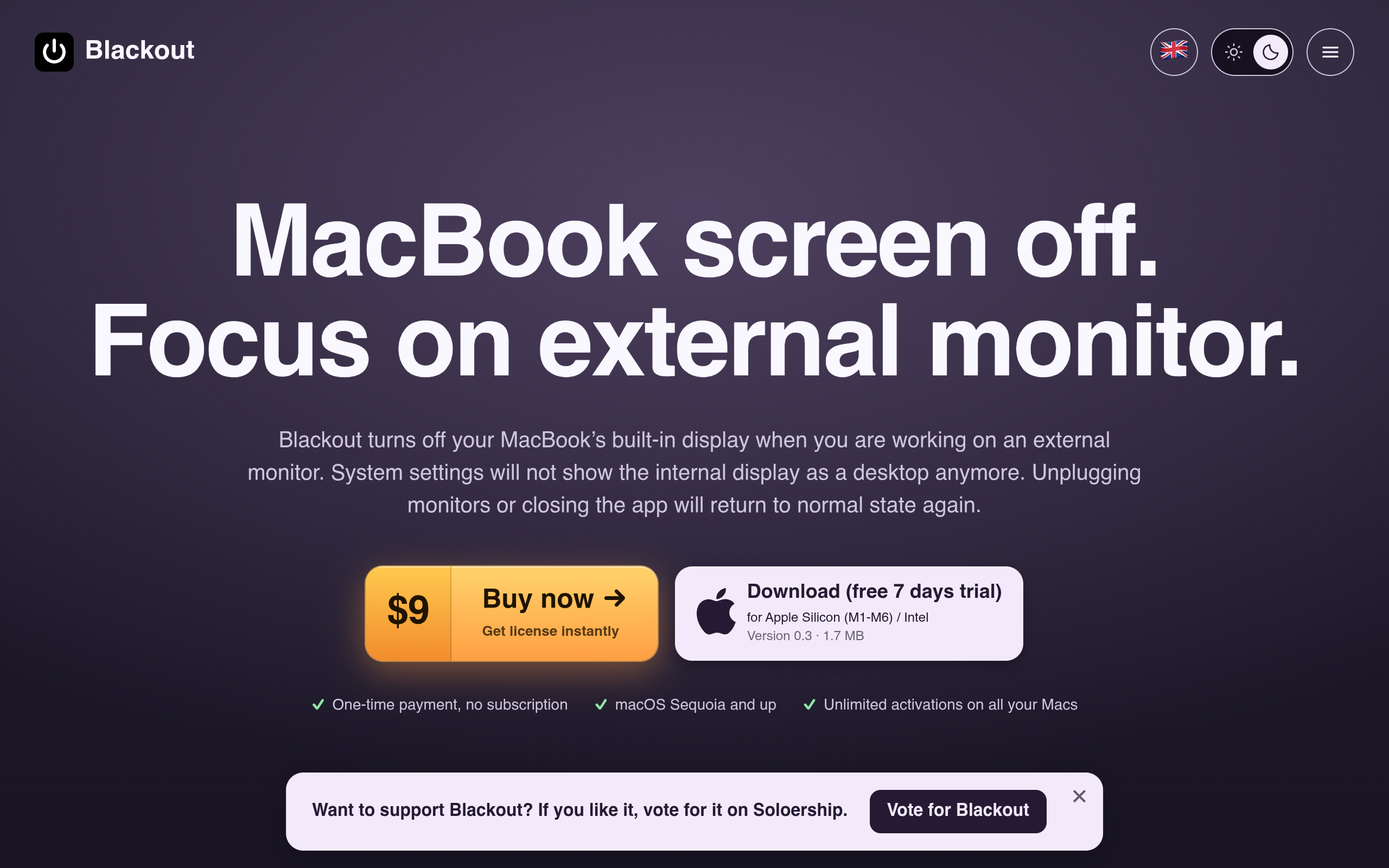
Overview
Blackout is a utility tool designed for macOS that allows users to turn off their MacBook's built-in display while working on an external monitor, enabling a more focused workspace. It supports multiple languages and offers a one-time payment model without subscriptions.
Sources behind this listingSee source links, recorded dates and owner corrections.
Observed facts come from public pages. Founder-edited facts are supplied by the verified owner. AI-inferred facts are model interpretations; derived facts are calculated from other data. A source link lets you check the current page. It does not guarantee the fact is still current.
Dates show when a record was saved. Some older records use the listing’s update date; they are not proof of a fresh check. Missing source records are shown explicitly.
- TaglineTurn off your MacBook’s built-in display and keep working on an external monitor with the lid open.
- Source not recordedDate not recordedSource link unavailable
- DescriptionTurn off your MacBook’s built-in display and keep working on an external monitor with the lid open.
- Source not recordedDate not recordedSource link unavailable
- Starting price$9
- Source not recordedDate not recordedSource link unavailable
- Free planNot stated
- Source not recordedDate not recordedSource link unavailable
- Free trialNot stated
- Source not recordedDate not recordedSource link unavailable
- PlatformsmacOS
- Source not recordedDate not recordedSource link unavailable
- SummaryBlackout is a utility tool designed for macOS that allows users to turn off their MacBook's built-in display while working on an external monitor, enabling a more focused worksp...
- AI-inferredRecorded Source link unavailable
Key Features
- Turns off the MacBook's built-in display while using an external monitor.
- Allows the use of MacBook's keyboard and trackpad with the lid open.
- Automatically resets displays to default if issues occur.
- Minimal footprint with a tiny menu bar icon.
- Detects monitor disconnects and responds accordingly.
Who Is It For
Individuals and professionals using MacBooks who work with external displays, likely in creative or technical fields, and prefer a focused workspace.
MacBook users who prefer to work with external monitors and want to disable the built-in display for a more streamlined experience.
Users looking for a free solution or those who require extensive integrations with other software tools.
Strengths & Weaknesses
The ability to turn off the internal display while keeping the MacBook operational with the lid open, along with a minimal footprint in the menu bar.
Alternatives to Blackout
Community
No comments yet. Be the first to share your experience.