


Battery Health Lab
Free, private Windows battery report analyzer with clear health, wear and cycle-count results.
Overview
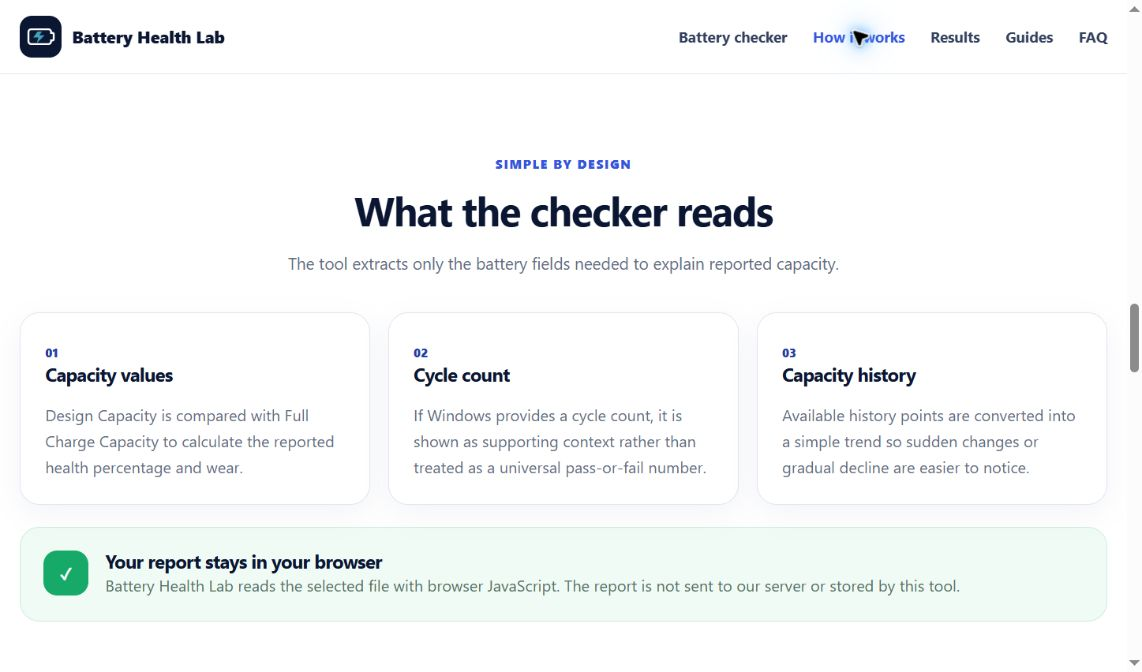
Battery Health Lab helps Windows 10 and 11 users understand the technical data inside a battery report. Upload the battery-report.html generated by Windows, or enter design capacity and full charge capacity manually. The tool calculates reported capacity health and wear, explains cycle count and capacity history, and provides practical guidance. Processing happens locally in the browser, so the report is not uploaded to a server. It is free, requires no account and works without installing desktop software. Results are informational and do not replace a physical battery safety inspection.
Battery Health Lab is a free browser-based Windows battery report analyzer. Upload a battery-report.html file to see capacity health, wear level, cycle count, history and practical next steps. Files are processed locally and never uploaded.
Sources behind this listingSee source links, recorded dates and owner corrections.
Observed facts come from public pages. Founder-edited facts are supplied by the verified owner. AI-inferred facts are model interpretations; derived facts are calculated from other data. A source link lets you check the current page. It does not guarantee the fact is still current.
Dates show when a record was saved. Some older records use the listing’s update date; they are not proof of a fresh check. Missing source records are shown explicitly.
- TaglineFree, private Windows battery report analyzer with clear health, wear and cycle-count results.
- Founder-editedDate not recordedSource link unavailable
- DescriptionBattery Health Lab helps Windows 10 and 11 users understand the technical data inside a battery report. Upload the battery-report.html generated by Windows, or enter design capa...
- Founder-editedDate not recordedSource link unavailable
- Free planYes
- Founder-editedDate not recordedSource link unavailable
- Free trialNo
- Founder-editedDate not recordedSource link unavailable
- Pricing modelfree
- Founder-editedRecorded Source link unavailable
- PlatformsWeb
- Founder-editedRecorded Source link unavailable
- Open sourceNo
- Founder-editedRecorded Source link unavailable
- Company locationPakistan
- Founder-editedDate not recordedSource link unavailable
- Founded2026
- Founder-editedRecorded Source link unavailable
- Headquarters countryPK
- Founder-editedRecorded Source link unavailable
- Team size1
- Founder-editedRecorded Source link unavailable
- Funding stagebootstrapped
- Founder-editedRecorded Source link unavailable
- SummaryBattery Health Lab is a free browser-based Windows battery report analyzer. Upload a battery-report.html file to see capacity health, wear level, cycle count, history and practi...
- Founder-editedDate not recordedSource link unavailable
Key Features
- Analyze Windows battery-report.html files
- Calculate capacity health and battery wear percentage
- View design capacity and full-charge capacity
- Read battery cycle count when Windows reports it
- Visualize reported battery-capacity history
- Enter capacity values manually
- Get a clear status and practical next steps
- Local browser processing with no report upload
- No account or desktop software required
Who Is It For
Windows 10 and 11 laptop users who want a quick, private explanation of battery capacity, wear, cycle count and report history.
Users who need continuous monitoring, hardware-level diagnostics or professional inspection of a swollen or damaged battery.
Strengths & Weaknesses
Classification
Alternatives to Battery Health Lab
Community
No comments yet. Be the first to share your experience.