

Annotate
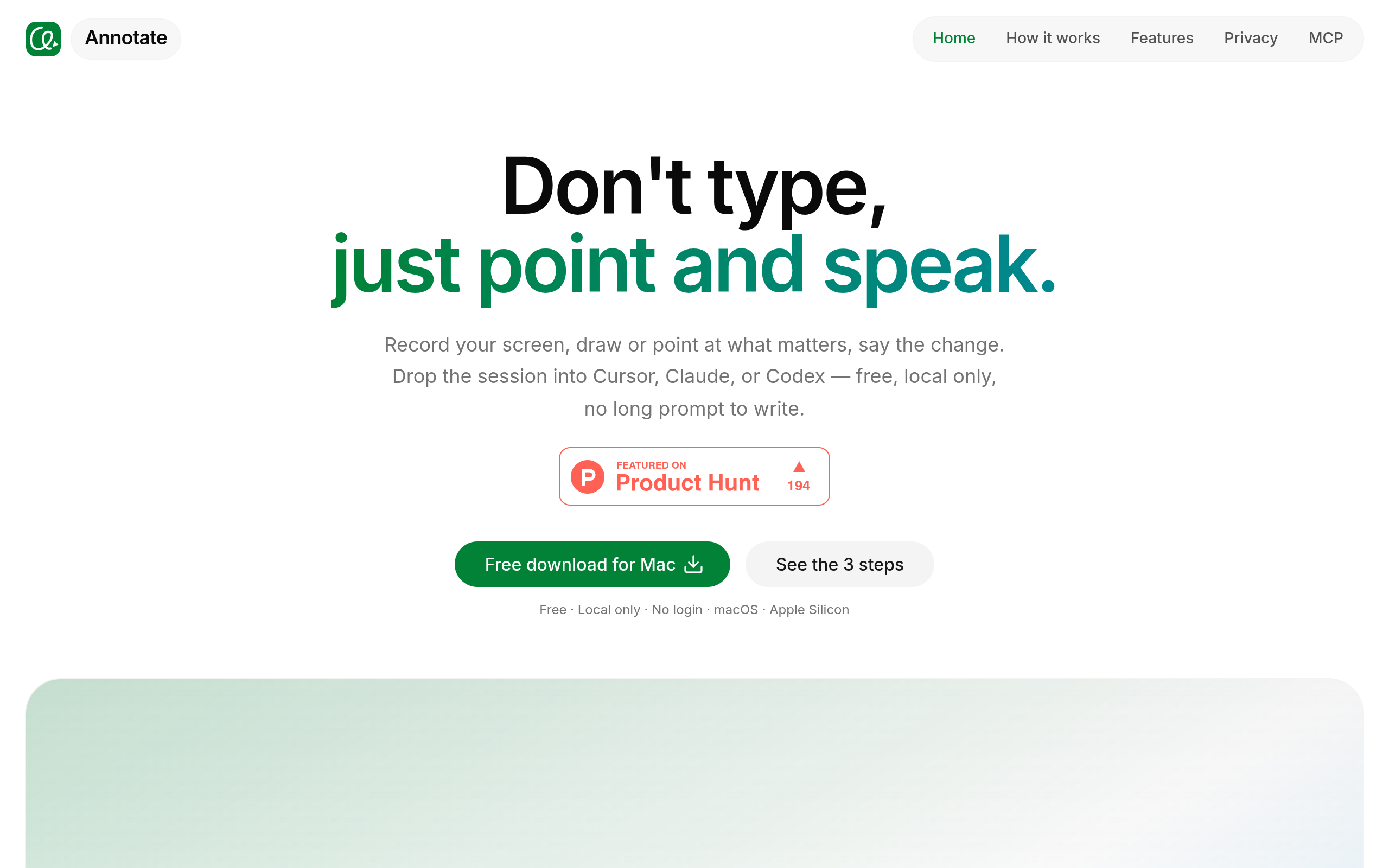
Record your screen, point and speak, and hand it off to AI. Video prompts for Cursor, Claude, and Codex — local-only and free.
Overview
Annotate appears to facilitate screen recording and annotation, allowing users to point, speak, and create video prompts for AI agents like Cursor, Claude, and Codex. It emphasizes a local-only approach, ensuring that recordings remain on the user's Mac without uploading to external servers.
Sources behind this listingSee source links, recorded dates and owner corrections.
Observed facts come from public pages. Founder-edited facts are supplied by the verified owner. AI-inferred facts are model interpretations; derived facts are calculated from other data. A source link lets you check the current page. It does not guarantee the fact is still current.
Dates show when a record was saved. Some older records use the listing’s update date; they are not proof of a fresh check. Missing source records are shown explicitly.
- TaglineRecord your screen, point and speak, and hand it off to AI. Video prompts for Cursor, Claude, and Codex — local-only and free.
- ObservedRecorded Source: xannotate.com
- DescriptionRecord your screen, point and speak, and hand it off to AI. Video prompts for Cursor, Claude, and Codex — local-only and free.
- ObservedRecorded Source: xannotate.com
- Free planNot stated
- Source not recordedDate not recordedSource link unavailable
- Free trialNot stated
- Source not recordedDate not recordedSource link unavailable
- IntegrationsDiscord
- ObservedRecorded Source: xannotate.com
- SummaryAnnotate appears to facilitate screen recording and annotation, allowing users to point, speak, and create video prompts for AI agents like Cursor, Claude, and Codex. It emphasi...
- AI-inferredRecorded Source link unavailable
Who Is It For
Individuals or teams needing to communicate UI changes clearly and efficiently through video prompts, particularly in environments using AI agents.
Users looking for cloud-based solutions or those who require extensive collaboration features beyond screen recording and annotation.
Strengths & Weaknesses
The ability to create detailed video prompts that combine screen recordings with voice annotations, enhancing clarity and reducing the need for written instructions.
Alternatives to Annotate
Community
No comments yet. Be the first to share your experience.