


AI Usage Tracker
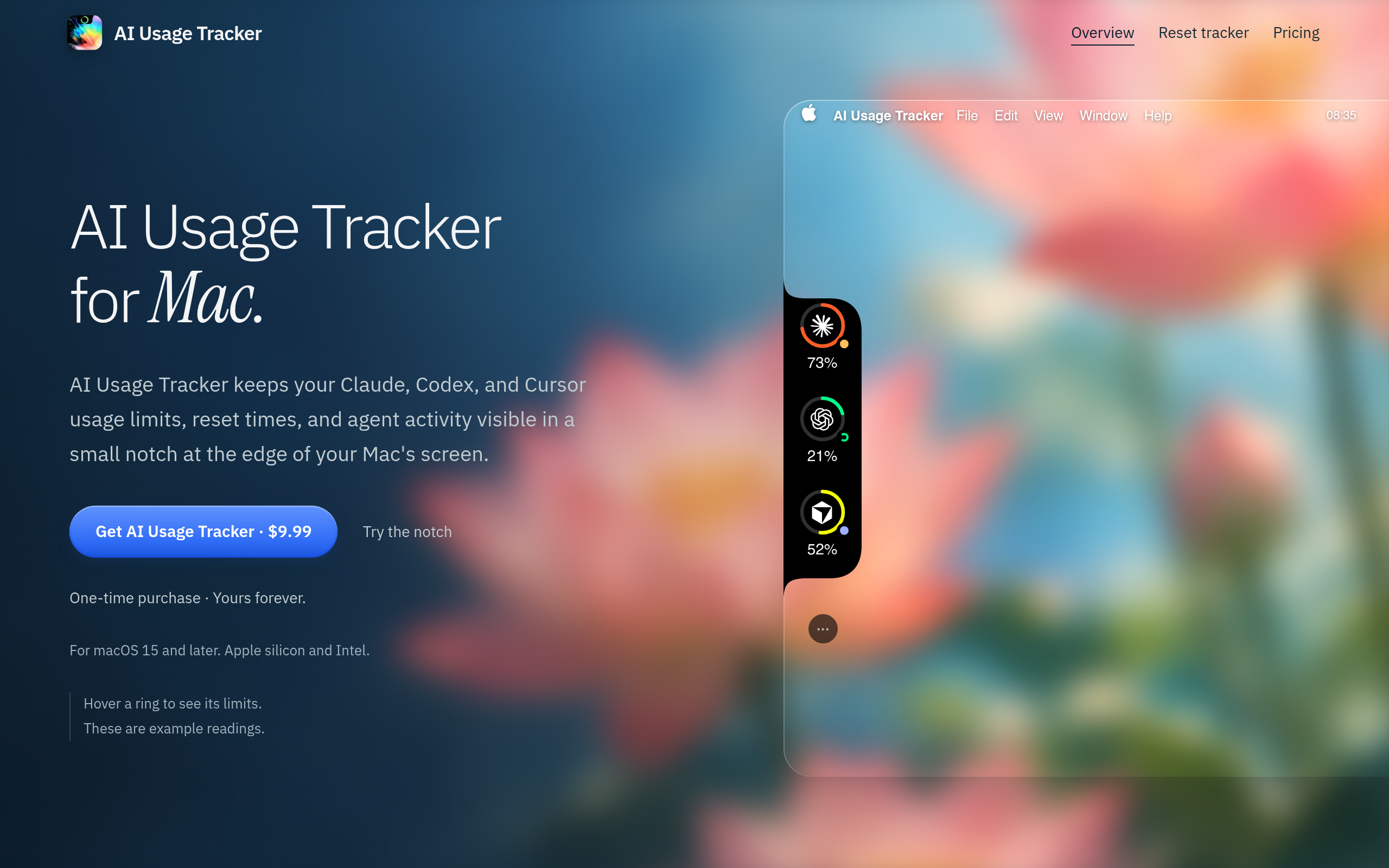
AI Usage Tracker for Mac keeps Claude, Codex, and Cursor usage limits, reset times, and agent activity visible in a small desktop notch.
Overview
AI Usage Tracker for Mac is designed to help users monitor their usage limits, reset times, and agent activity for AI tools like Claude, Codex, and Cursor. It provides a visual representation of usage in a small desktop notch, allowing users to stay informed without disrupting their workflow.
Sources behind this listingSee source links, recorded dates and owner corrections.
Observed facts come from public pages. Founder-edited facts are supplied by the verified owner. AI-inferred facts are model interpretations; derived facts are calculated from other data. A source link lets you check the current page. It does not guarantee the fact is still current.
Dates show when a record was saved. Some older records use the listing’s update date; they are not proof of a fresh check. Missing source records are shown explicitly.
- TaglineAI Usage Tracker for Mac keeps Claude, Codex, and Cursor usage limits, reset times, and agent activity visible in a small desktop notch.
- Source not recordedDate not recordedSource link unavailable
- DescriptionAI Usage Tracker for Mac keeps Claude, Codex, and Cursor usage limits, reset times, and agent activity visible in a small desktop notch.
- Source not recordedDate not recordedSource link unavailable
- Starting price$9.99
- Source not recordedDate not recordedSource link unavailable
- Free planNot stated
- Source not recordedDate not recordedSource link unavailable
- Free trialNot stated
- Source not recordedDate not recordedSource link unavailable
- IntegrationsStripe
- Source not recordedDate not recordedSource link unavailable
- PlatformsAPI, macOS
- Source not recordedDate not recordedSource link unavailable
- SummaryAI Usage Tracker for Mac is designed to help users monitor their usage limits, reset times, and agent activity for AI tools like Claude, Codex, and Cursor. It provides a visual ...
- AI-inferredRecorded Source link unavailable
Key Features
- Tracks usage limits for Claude, Codex, and Cursor in real-time.
- Displays reset times and notifies users when allowances return.
- Visual indicators for agent activity, showing when attention is needed.
- Supports multiple providers and local models for comprehensive tracking.
- One-time purchase with no subscription fees.
Who Is It For
Mac users, particularly developers and tech-savvy individuals, who utilize AI tools and require a streamlined way to manage their usage effectively.
Individuals or teams using Claude, Codex, and Cursor who need to manage their AI usage effectively and prefer a native Mac application.
Users looking for a free solution or those who require extensive integrations beyond the mentioned providers.
Strengths & Weaknesses
The application offers a one-time purchase model, making it a cost-effective solution for ongoing usage tracking without recurring fees.
Limited social presence and community support may hinder user engagement and feedback (AI-inferred; may be outdated. Founders can correct this)
Classification
Alternatives to AI Usage Tracker
Community
No comments yet. Be the first to share your experience.