


Tokokino
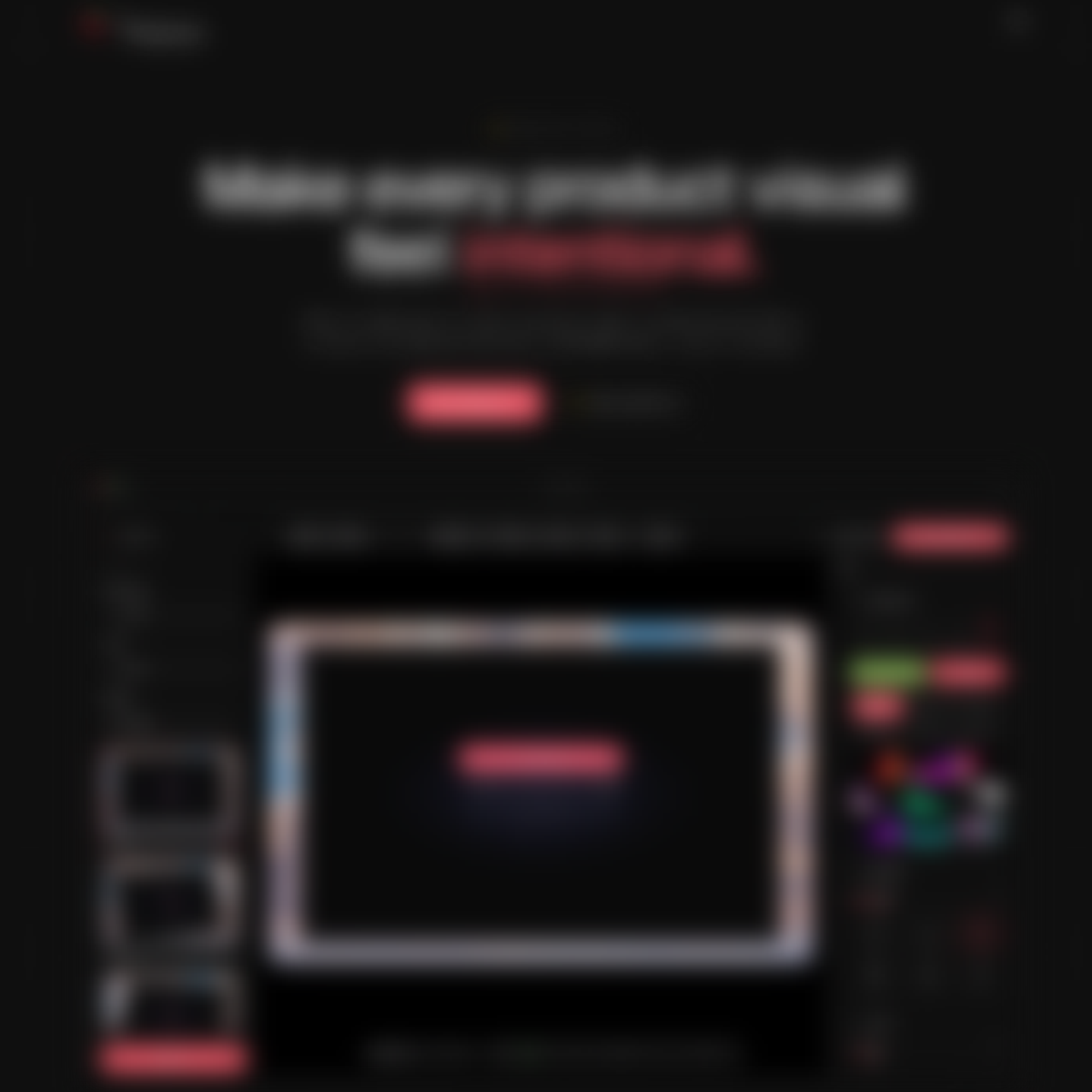
Create polished product screenshots and animated demos with device frames, backgrounds, annotations, timeline editing, and fast image or GIF/WebM exports.
Overview
Create polished product screenshots and animated demos with device frames, backgrounds, annotations, timeline editing, and fast image or GIF/WebM exports.
Tokokino is a browser-based tool designed for creating polished product visuals, including screenshots and animated demos, with features like device framing, timeline editing, and various export options.
Who Is It For
Teams and individuals looking to quickly create professional product visuals without needing extensive design skills or software.
Users requiring advanced video editing capabilities or those who prefer a desktop application over a browser-based solution.
Strengths & Weaknesses
The ability to create polished visuals quickly and efficiently, with local-first editing that works offline and a variety of templates and export formats.
Limited visibility into specific pricing and feature tiers, which may affect users' decision-making (AI-inferred; may be outdated – founders can correct this)
Alternatives to Tokokino
Community
No comments yet – be the first to share your experience.