

ScreenOtter
ScreenOtter automatically zooms into every click so your recordings feel intentional — not like raw footage. No editing required.
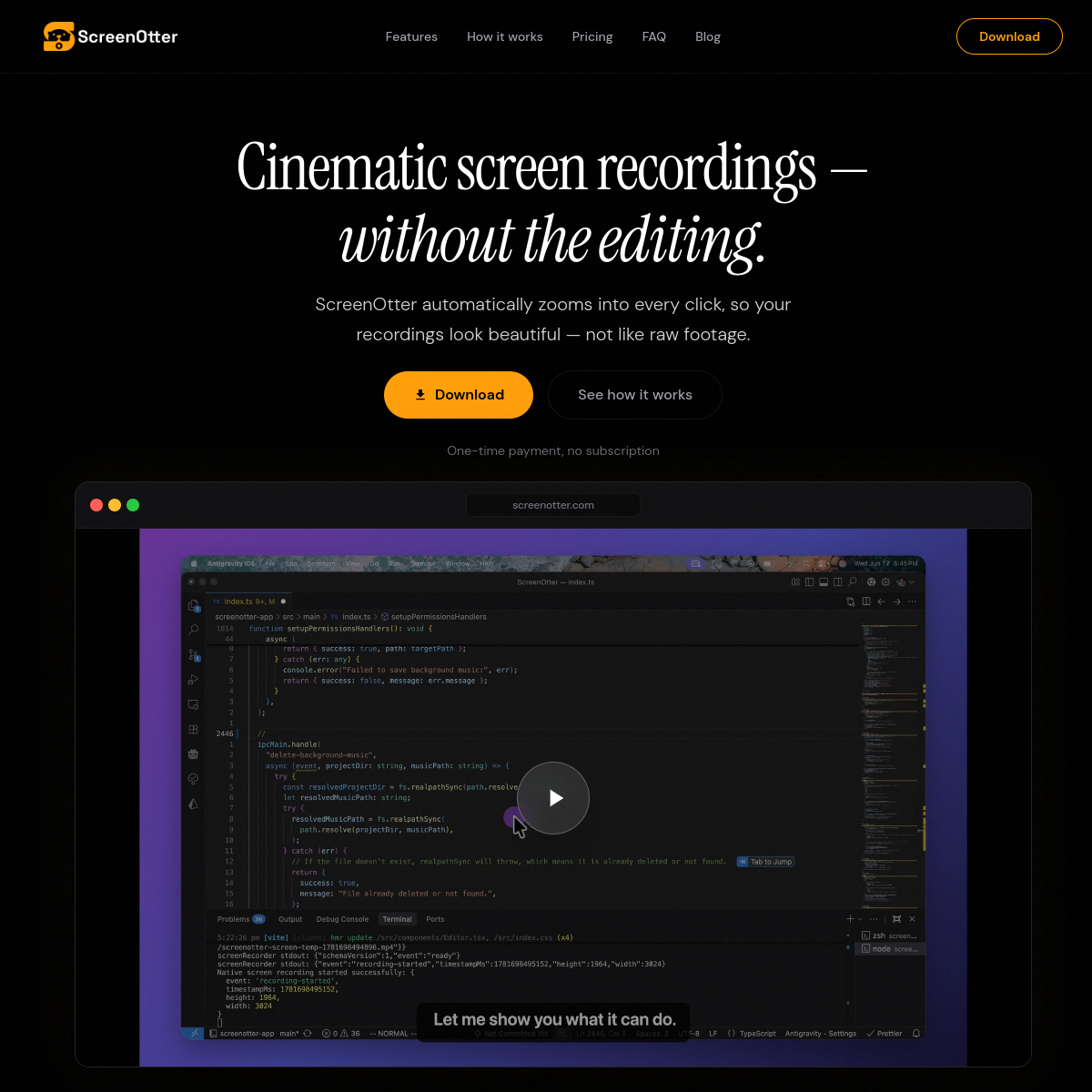
Overview
ScreenOtter automatically zooms into every click so your recordings feel intentional — not like raw footage. No editing required.
ScreenOtter is a screen recording tool designed to enhance the visual quality of recordings by automatically zooming into clicks and providing features like automatic subtitles and background music integration. It aims to simplify the recording process, requiring no editing post-capture.
Who Is It For
Individuals or teams creating tutorials, demos, or walkthroughs who want polished recordings without the need for extensive editing.
Users looking for advanced editing features or those who require extensive integrations with other software tools.
Strengths & Weaknesses
The automatic cinematic zoom feature enhances viewer engagement by clearly highlighting user interactions during recordings.
Limited integrations with other tools may restrict its utility in more complex workflows or collaborative environments. (AI-inferred; may be outdated – founders can correct this)
Alternatives to ScreenOtter
Community
No comments yet – be the first to share your experience.