


Autoplot
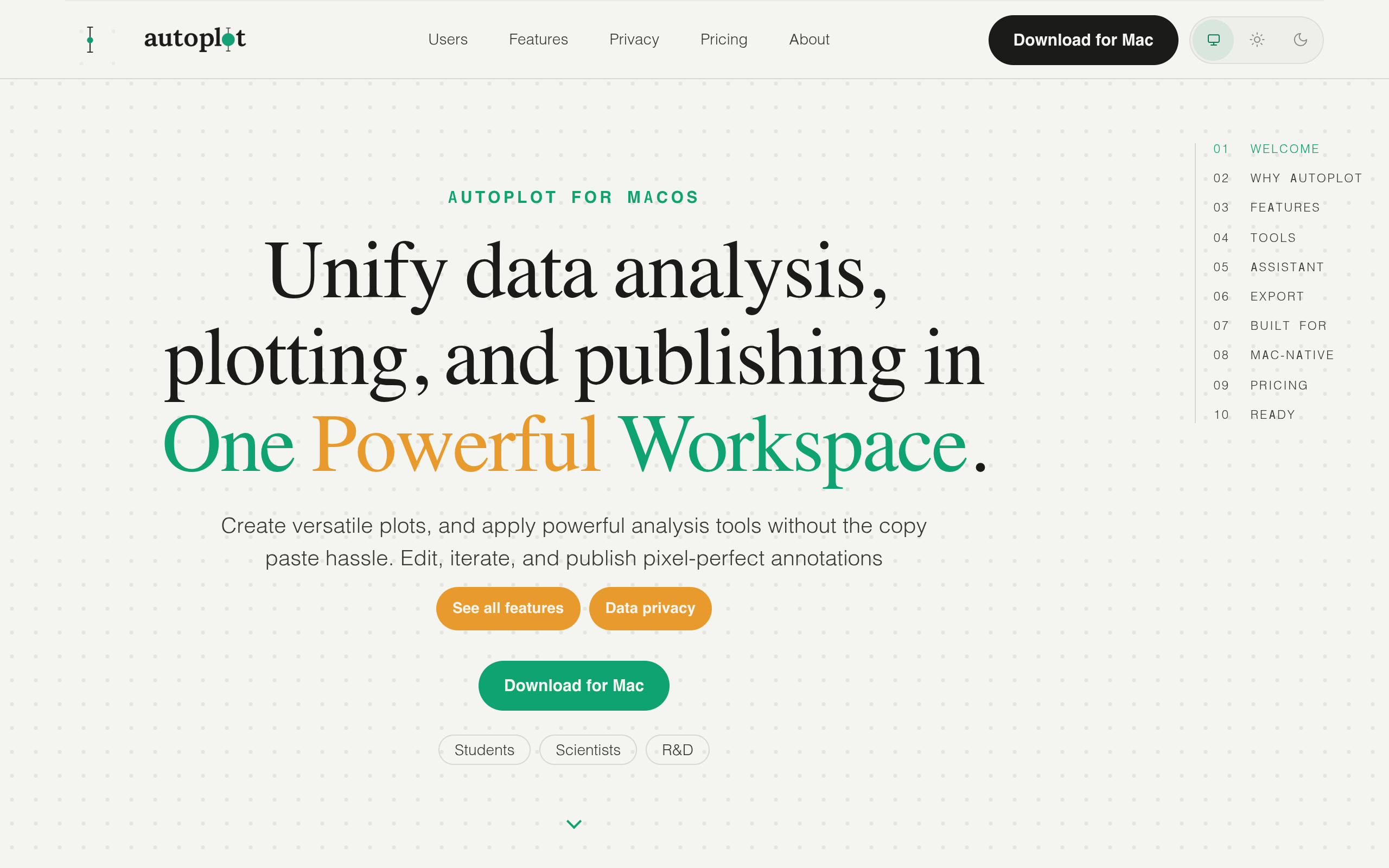
Turn tabular scientific data into clear plots, fits, heat maps, and reusable analysis outputs in a native Mac workspace.
Overview
Autoplot is a macOS application designed to facilitate the analysis, plotting, and publishing of scientific data in a unified workspace. It allows users to import data, apply various analysis tools, and create visual outputs such as plots and heat maps, all while ensuring data privacy.
Sources behind this listingSee source links, recorded dates and owner corrections.
Observed facts come from public pages. Founder-edited facts are supplied by the verified owner. AI-inferred facts are model interpretations; derived facts are calculated from other data. A source link lets you check the current page. It does not guarantee the fact is still current.
Dates show when a record was saved. Some older records use the listing’s update date; they are not proof of a fresh check. Missing source records are shown explicitly.
- TaglineTurn tabular scientific data into clear plots, fits, heat maps, and reusable analysis outputs in a native Mac workspace.
- ObservedRecorded Source: autoplot.ai
- DescriptionTurn tabular scientific data into clear plots, fits, heat maps, and reusable analysis outputs in a native Mac workspace.
- ObservedRecorded Source: autoplot.ai
- Free planNot stated
- Source not recordedDate not recordedSource link unavailable
- Free trialNot stated
- Source not recordedDate not recordedSource link unavailable
- Pricing modelfreemium
- AI-inferredRecorded Source: autoplot.ai
- Plan: FreeFree
- AI-inferredRecorded Source: autoplot.ai
- Plan: Plus$7.99/mo
- AI-inferredRecorded Source: autoplot.ai
- Plan: Pro$17.99/mo
- AI-inferredRecorded Source: autoplot.ai
- SummaryAutoplot is a macOS application designed to facilitate the analysis, plotting, and publishing of scientific data in a unified workspace. It allows users to import data, apply va...
- AI-inferredRecorded Source link unavailable
Pricing
- credits per month
- 10
- X&Y plots, histograms with fits
- PDF / log-binned / power-law analysis
- 10 hosted-AI credits per month
- credits per month
- 10
- Complete Plots & Analysis
- Plots + 3D, heat maps, categorical
- 10 hosted-AI credits / month
- credits per month
- 1000
- Full Feature & AI Credits
- Plots All plot surfaces
- All analysis methods
Who Is It For
Researchers, scientists, and students looking for a comprehensive tool to analyze and visualize scientific data without the hassle of switching between multiple applications.
Users who require a cross-platform solution or those looking for a free plan, as Autoplot does not offer a free trial or free plan.
Strengths & Weaknesses
The integration of powerful analysis tools and plotting capabilities within a single native Mac application, providing a seamless user experience.
Limited visibility on pricing and available integrations, which may hinder potential users from evaluating the tool effectively. (AI-inferred; may be outdated. Founders can correct this)
Classification
Alternatives to Autoplot
Community
No comments yet. Be the first to share your experience.